Ranking
The best LinkedIn AI tools in 2026: 14 tested and ranked
We tested 14 AI tools for writing, designing and scheduling LinkedIn posts. Here's what each is best for, what it really costs and where it falls short.

Short answer
Best overall content studio: Flypost ($49/mo), which drafts posts and visuals from your own blog, videos and documents. Best for lead generation: Taplio (AI from $69/mo). Best voice capture: Supergrow ($39/mo). Best editor and analytics: AuthoredUp ($19.95/mo). Best for teams: Scripe (from €69/mo). Free option: ChatGPT or Claude, if you'll format and post by hand.
LinkedIn AI tools have split into distinct jobs. Some write. Some design carousels and infographics. Some schedule and measure. A few find leads and send messages. Almost none do all of it well, so the right pick depends on where your LinkedIn routine actually gets stuck.
We signed up for each of these, tested them, and checked every price against the vendor's own pricing page. Prices below were checked in October 2026 unless a tool's card says otherwise.
How to choose in 30 seconds
| If your problem is… | Pick |
|---|---|
| "I have a blog / YouTube channel / docs and never turn them into posts" | Flypost |
| "I want posts and a pipeline of leads from LinkedIn" | Taplio or Postbeam |
| "I hate typing. I'd rather just talk" | Supergrow |
| "I write my own posts and want them formatted and measured" | AuthoredUp |
| "We're a team and need approvals" | Scripe or Supergrow Teams |
| "I run several accounts on a budget" | Dynal AI |
| "I want coaching, not just software" | Kleo |
| "I want to spend nothing" | ChatGPT or Claude + LinkedIn's built-in scheduler |
The 14 tools, ranked
Flypost
Best for Turning your own blog, videos and documents into LinkedIn posts and visuals
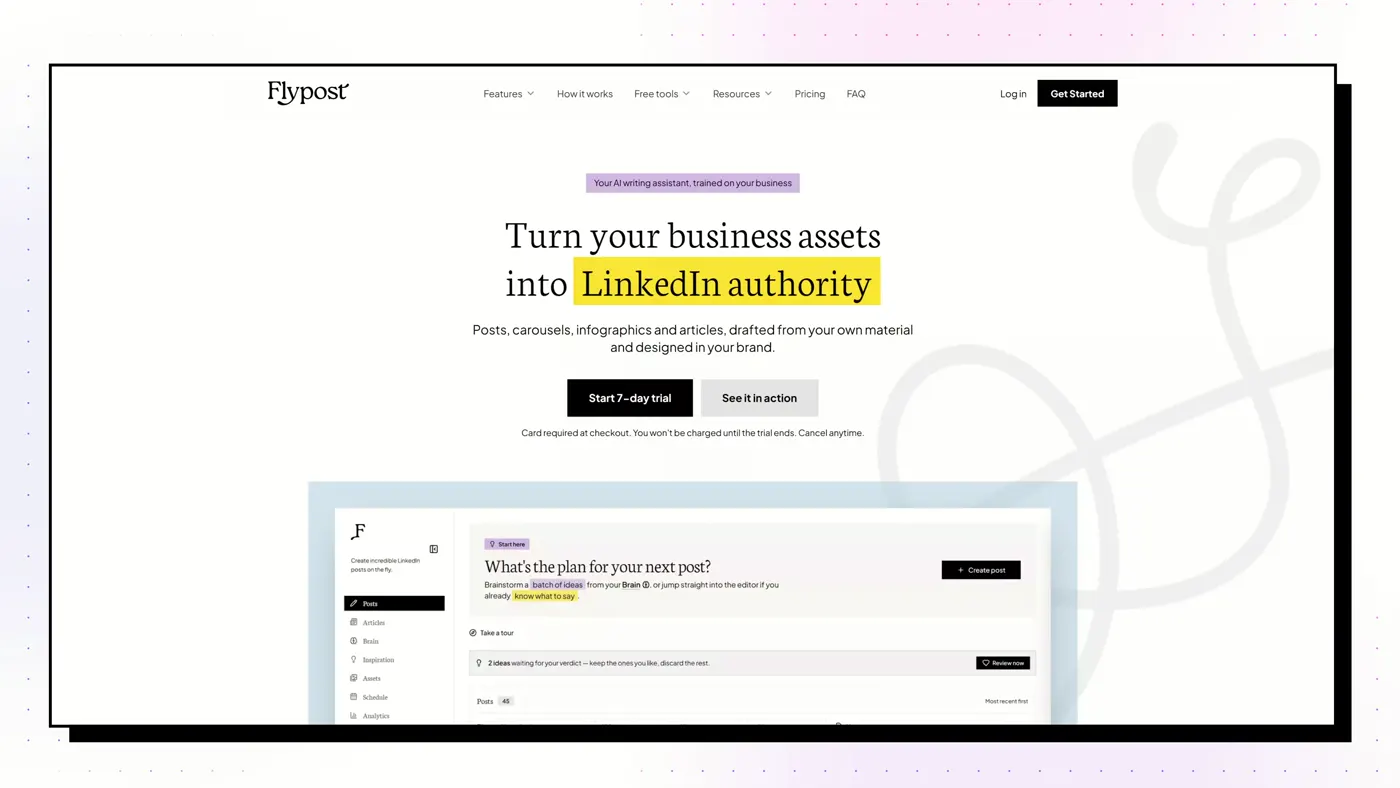
A LinkedIn content studio that builds a searchable "Brain" from your blog, YouTube channel and documents, then drafts posts, carousels, infographics and articles from that material and schedules them to LinkedIn.
Good
- Drafts from your whole archive: blog via sitemap crawl, YouTube transcripts, uploaded documents and Google Drive
- Widest range of visuals we tested: carousels, infographics, memes, stat graphics, comparison images and long-form articles
- A post score built on a study of 116,000+ LinkedIn posts flags weak hooks and AI tells before you publish
- Schedules through LinkedIn's official sign-in via an approved partner, with no browser extension
Watch out
- No independent reviews yet on G2 or Trustpilot
- No lead generation, outreach or DM automation
- Post analytics need the $79 Pro plan, and the trial takes a card
Taplio
Best for Content and outbound lead generation in one subscription
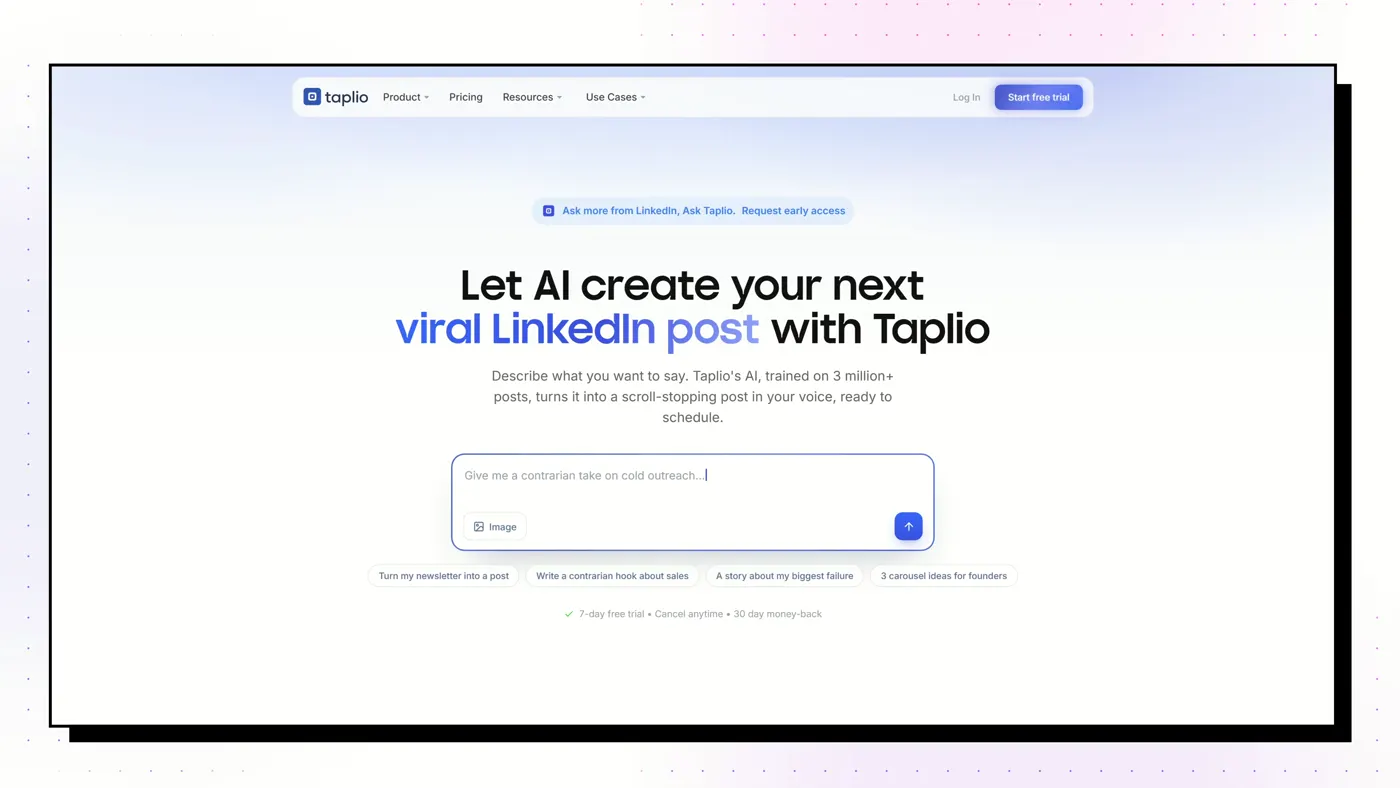
The category heavyweight from lempire, the makers of lemlist. An AI writer, scheduler and 5M+ viral-post library, plus a lead database and bulk outreach on its top plan.
Good
- Searchable library of 5M+ viral LinkedIn posts, even on the cheapest plan
- Scheduling and analytics included on every tier
- The only tool here with a real lead database and bulk outreach (Pro)
- Strong AI-assistant story: a hosted MCP server with 27 tools and free Claude Skills
Watch out
- The $39 Starter plan has no AI writing at all: the real price for AI is $69
- Works through a Chrome extension inside your live LinkedIn session, not an official API
- Trustpilot 3.6 from 20 reviews, half of them 1-star; unexpected renewals are the recurring complaint
Supergrow
Best for People who'd rather talk than type, and teams of colleagues posting
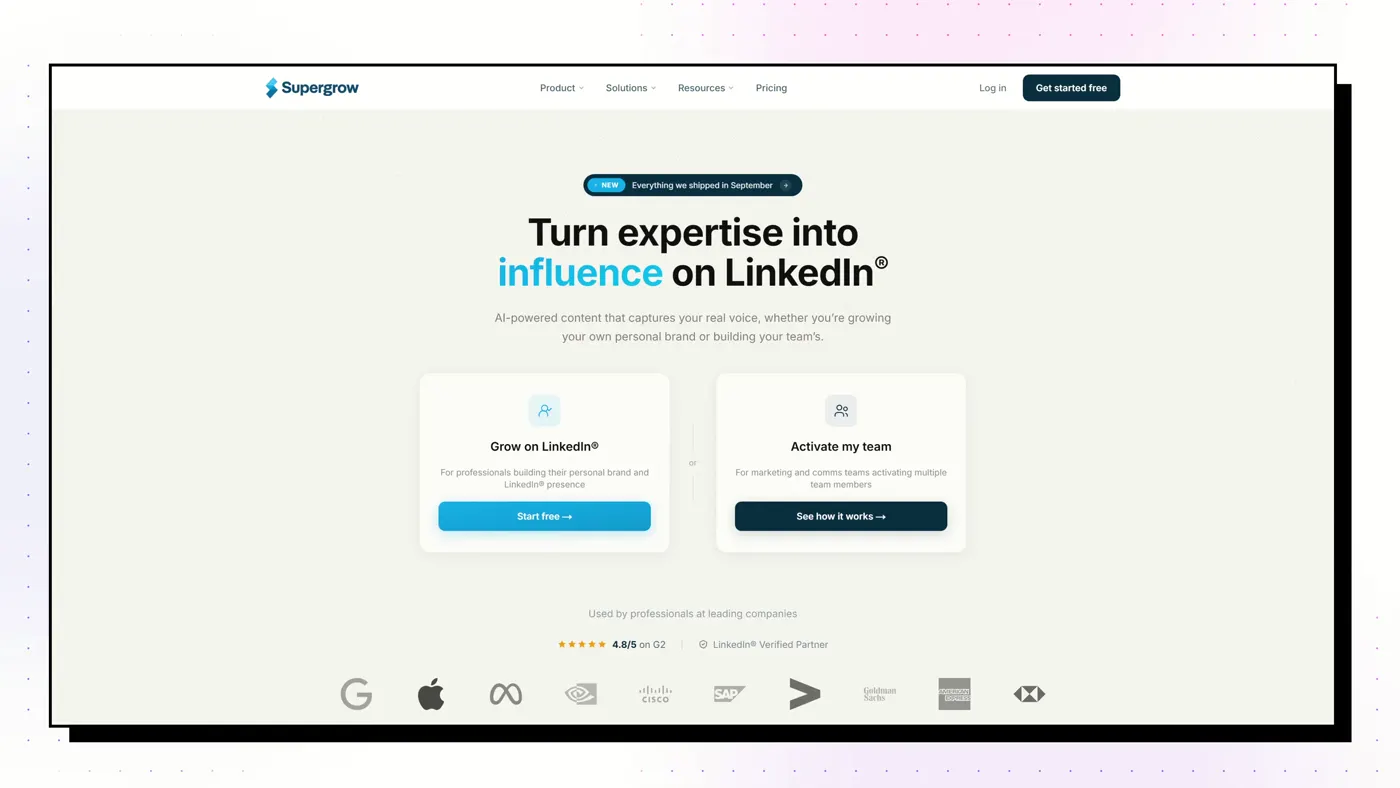
A voice-first AI writer. PostCast runs a short AI voice interview and turns your answers into posts, and Content DNA models how you write. Strong employee-advocacy features for teams.
Good
- PostCast: a 10-minute AI voice interview that becomes 3 to 5 posts
- Content DNA models your writing across five layers
- Best employee-advocacy tooling on this list
- A Post Score (since August 2026) rates performance and authenticity, with rewrites
Watch out
- Output stops at text and carousels: no memes, stat graphics or long-form articles
- Analytics are light
- Thin review base: G2 4.4 from 14 reviews
AuthoredUp
Best for People who write their own posts and want them formatted, previewed and measured
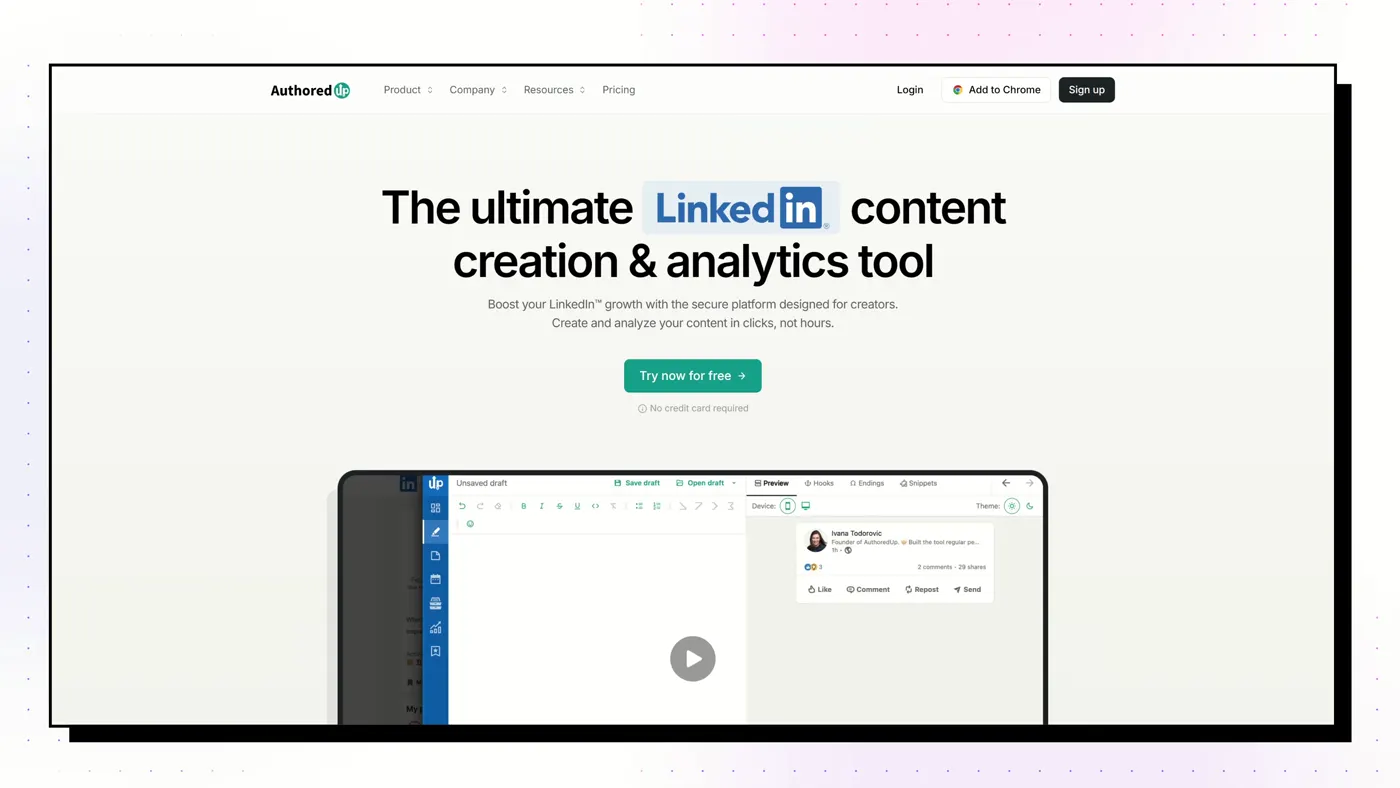
A Chrome extension and web app that is the best LinkedIn post editor we tested: rich formatting, an exact "see more" preview on desktop and mobile, and cheap, deep analytics. An AI writer, Coauthor, is in beta.
Good
- Best editor and preview: see exactly where the "see more" fold falls on desktop and mobile
- Imports your full post history for analytics like saves and sends
- Only free trial here that needs no credit card
- Chrome Web Store 4.7 from 70 ratings, 30,000 users
Watch out
- Creates no visuals: no carousels, infographics or images
- Can't read your blog, videos or documents
- Coauthor AI is still in beta and only learns from your past LinkedIn posts
Scripe
Best for European B2B teams running a LinkedIn programme with approvals and deep analytics
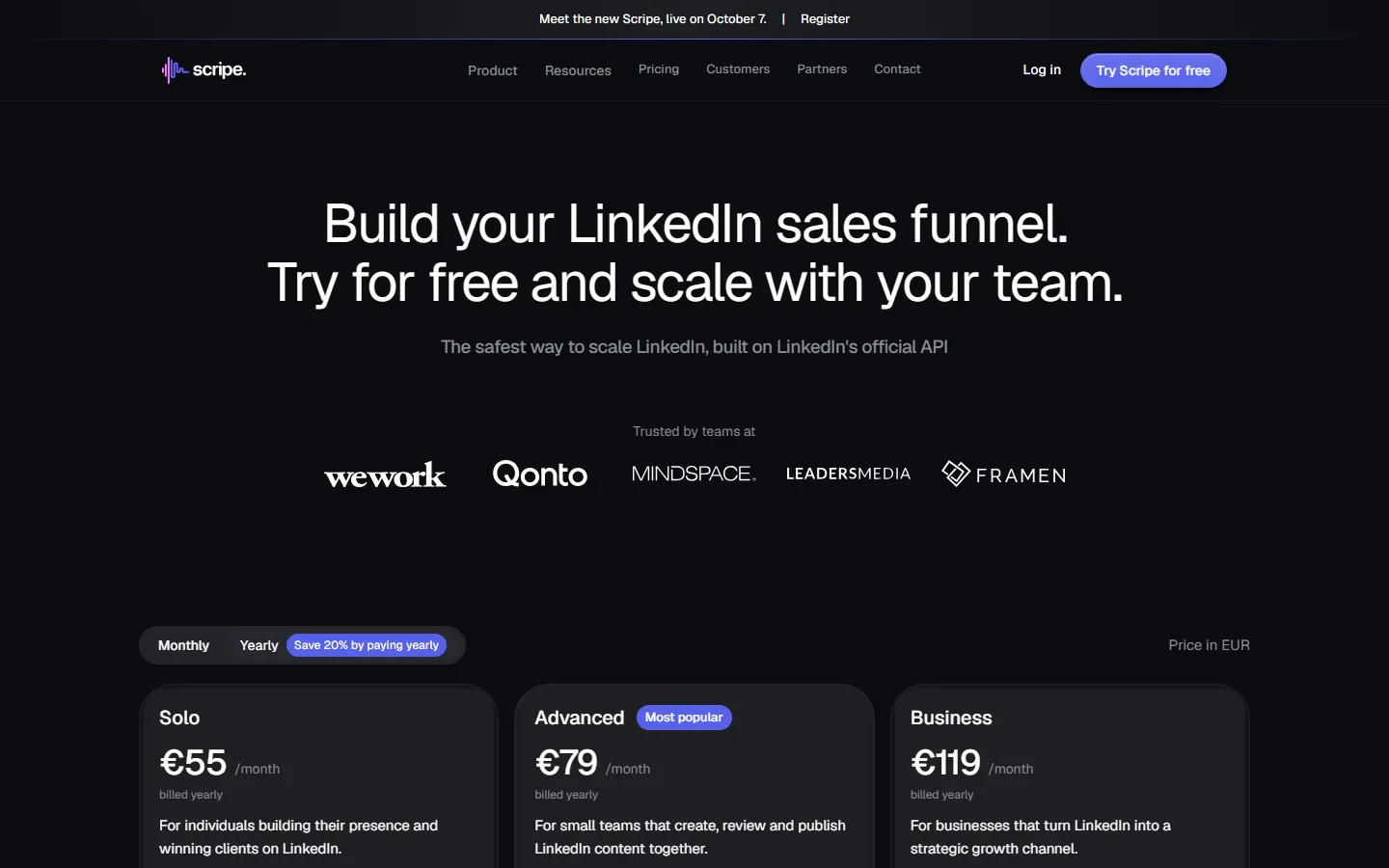
A Berlin-built team content platform: a knowledge base that re-crawls your website weekly, a Kanban board, approvals, campaigns and the deepest analytics we saw, including your post history from before you joined.
Good
- Built-in approvals, content board, campaigns and team roles
- The deepest analytics here, including history from before you signed up
- Knowledge base re-checks your website every week
- Docs site, dated changelog, MCP and a public API on every plan
Watch out
- Pricey for one person, and the Solo plan can't add a second account
- Trustpilot 2.6 from 8 reviews, with complaints after the 4.0 update
- AI allowance is now weekly and unpublished
Postbeam
Best for Turning the people who engage with your posts into sales conversations
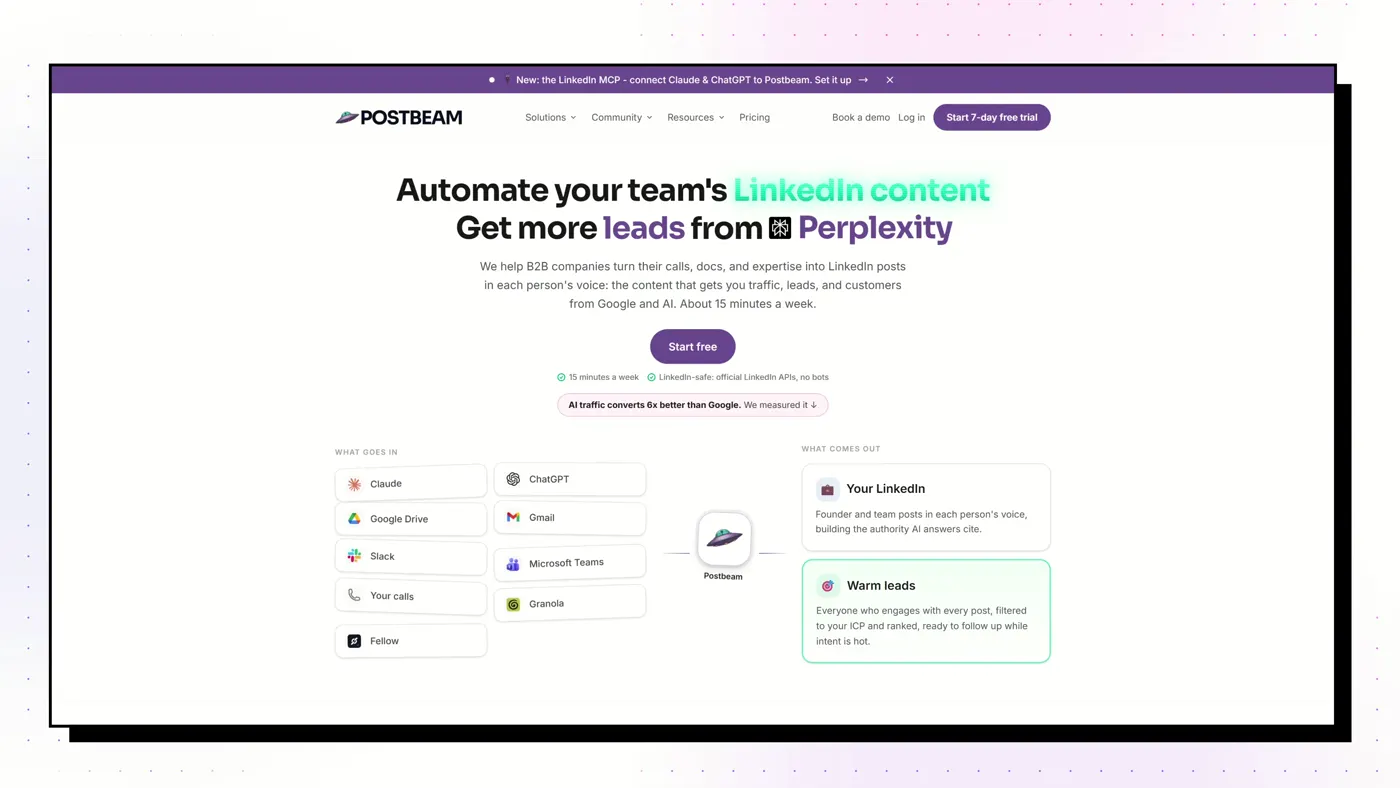
A LinkedIn content tool with an outbound engine: it drafts and schedules posts, then ranks the people who engage against your ideal customer and pre-writes the first message.
Good
- Ranks post engagers against your ideal customer and drafts an opener for each
- Drafts and schedules posts trained on your history, product and meeting recaps
- Approval workflows and team dashboards
- AppSumo 4.2 from 19 reviews
Watch out
- Hot Leads asks you to paste your LinkedIn session cookie
- Drafting is capped at 30 generations per seat per month
- No carousels or infographics confirmed in the paid app
MagicPost
Best for Solo creators and agencies who want an all-in-one suite on LinkedIn's official API
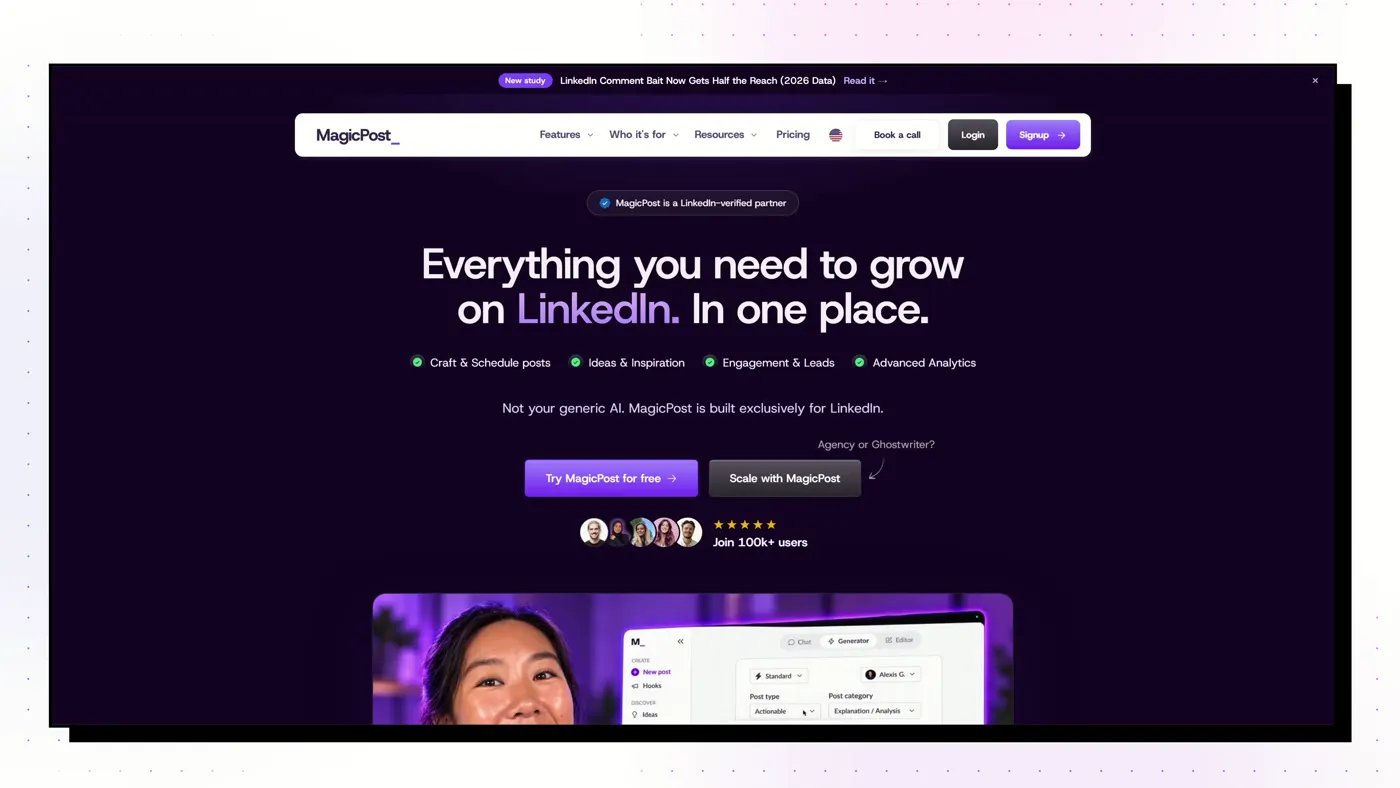
A French-built LinkedIn suite covering ideas, drafting, carousels, scheduling, analytics and lead scoring, entirely on LinkedIn's official API with no extension.
Good
- Official API only, and Trustpilot reviewers raise account safety unprompted
- Style import from your own or another creator's posts
- 2M+ post inspiration library and lead scoring with CRM push
- Trustpilot 4.7 from 91 reviews
Watch out
- The headline price excludes AI: writing needs the Creator plan
- Monthly Creator costs 77% more than annual
- Carousels and visuals are beta and capped
ContentIn
Best for Founders who already post and want drafts in their own voice
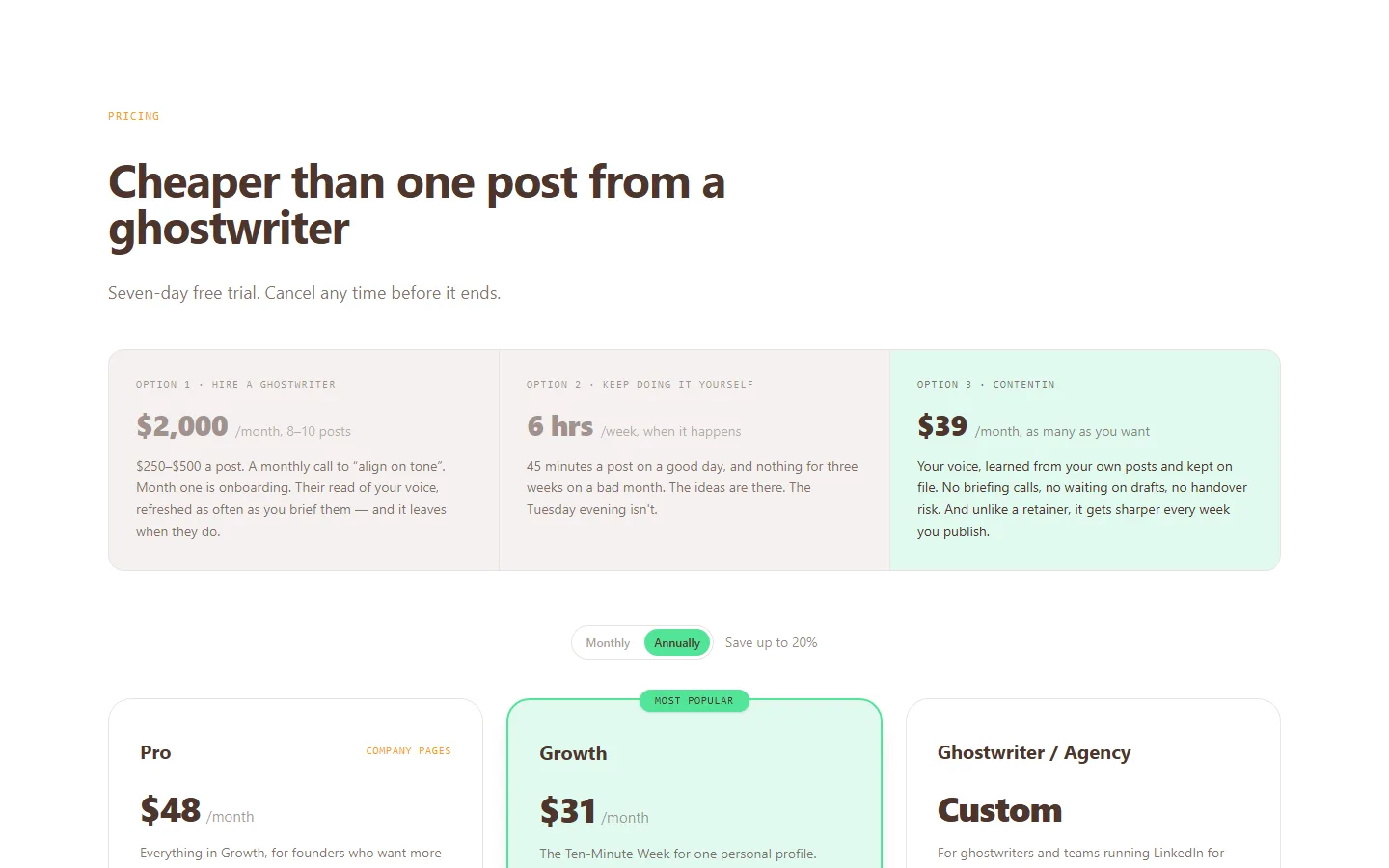
An AI ghostwriter that trains a voice model on your past posts (it needs about 20), with 1,000+ templates, scheduling and light analytics, on LinkedIn's official API.
Good
- The entry plan includes the unlimited AI ghostwriter
- Voice matching from your own posts
- 1,000+ post templates, the largest library claimed here
- 7-day trial plus a 30-day refund on the first payment
Watch out
- Very few independent reviews: G2 shows 4.5 from just 5
- Some reviewers call the output generic
- Carousels capped at 4 a month on Growth
Dynal AI
Best for Running several LinkedIn accounts on a budget
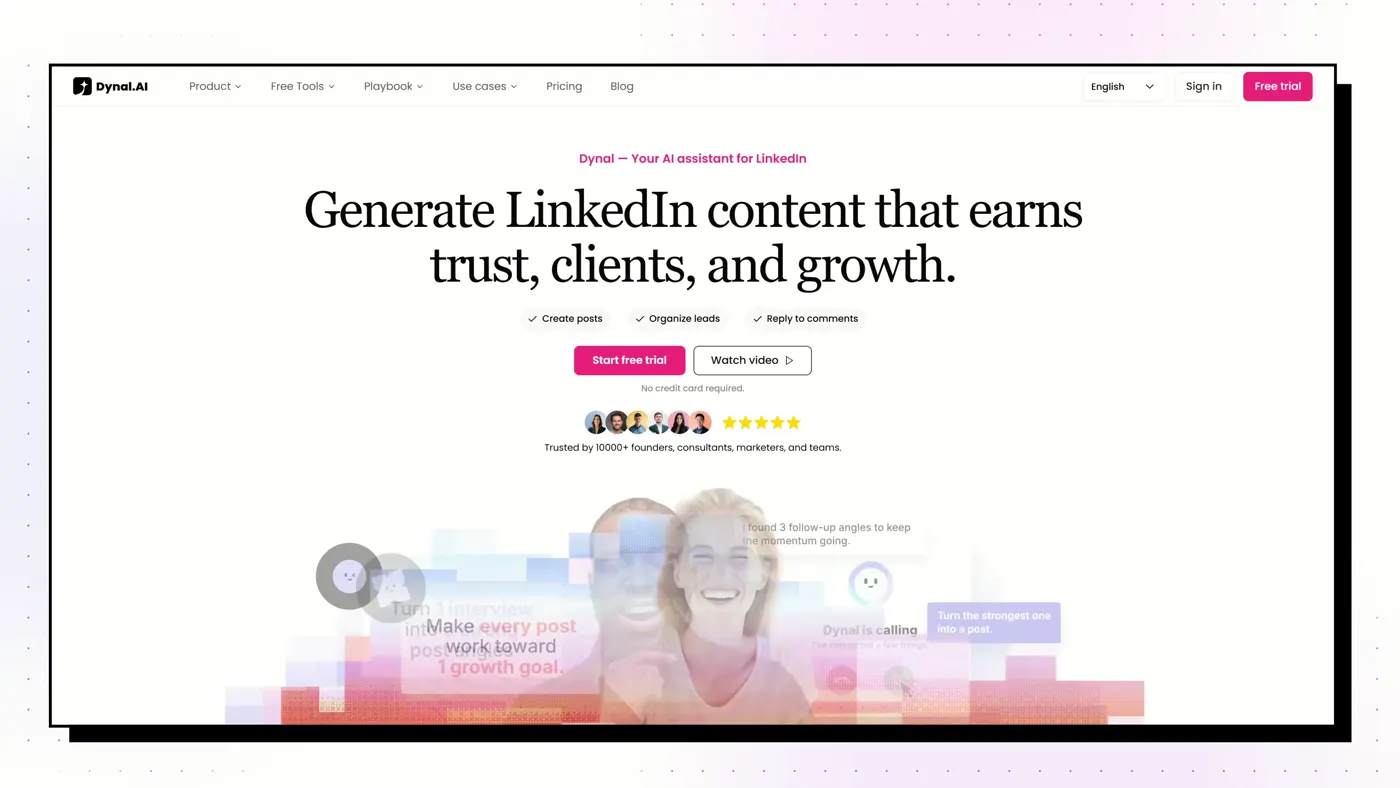
A young LinkedIn-only AI assistant. Brand DNA builds a voice from your profile, and it turns PDFs, links and YouTube videos into posts with images or carousels, scheduled through LinkedIn sign-in. Everything runs on credits.
Good
- Brand DNA builds a structured voice profile from your LinkedIn
- Turns PDFs, web pages and YouTube videos into posts with images or carousels
- Five accounts with separate voices for $60: the cheapest multi-account setup here
- Card-free 3-day trial
Watch out
- Everything costs credits; running out is the top buyer complaint
- AppSumo 3.4 from 25 reviews, mixed after the August rebuild
- No seats, roles or approvals
Kleo
Best for Established creators who want coaching and a peer group with the software
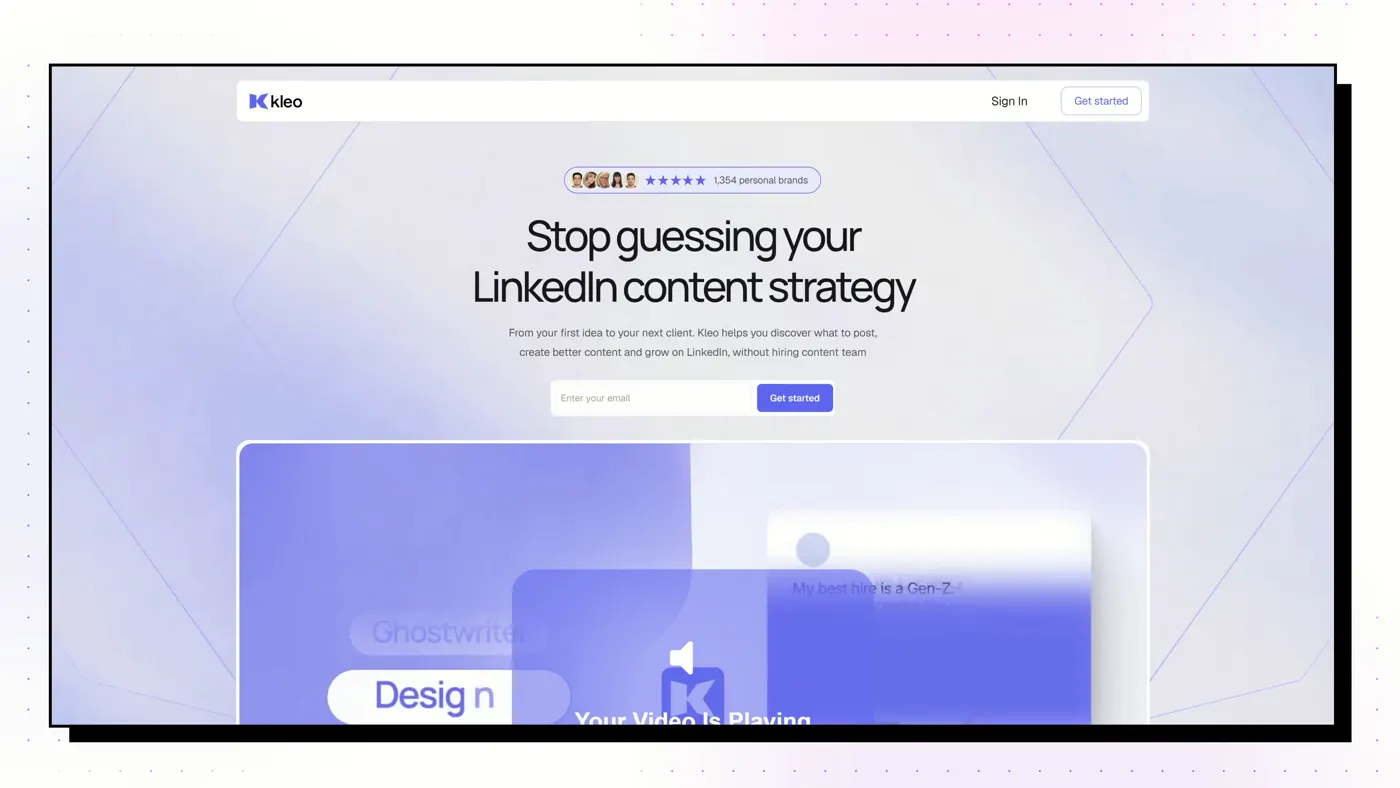
A single-plan LinkedIn writing app built around a personal knowledge base, sold with weekly live group coaching and a private community by creators Jake Ward, Lara Acosta and Rob Hoffman.
Good
- Weekly live group coaching and a private community included
- A knowledge base and memory layer, not just a voice model
- No feature gating: one plan
- Large template and swipe-file library
Watch out
- $99/mo with no free trial
- No teams, agencies or multiple profiles
- Graphics capped at 20 a month, no carousel builder
Typegrow
Best for Solo creators who want cheap writing, scheduling and carousels
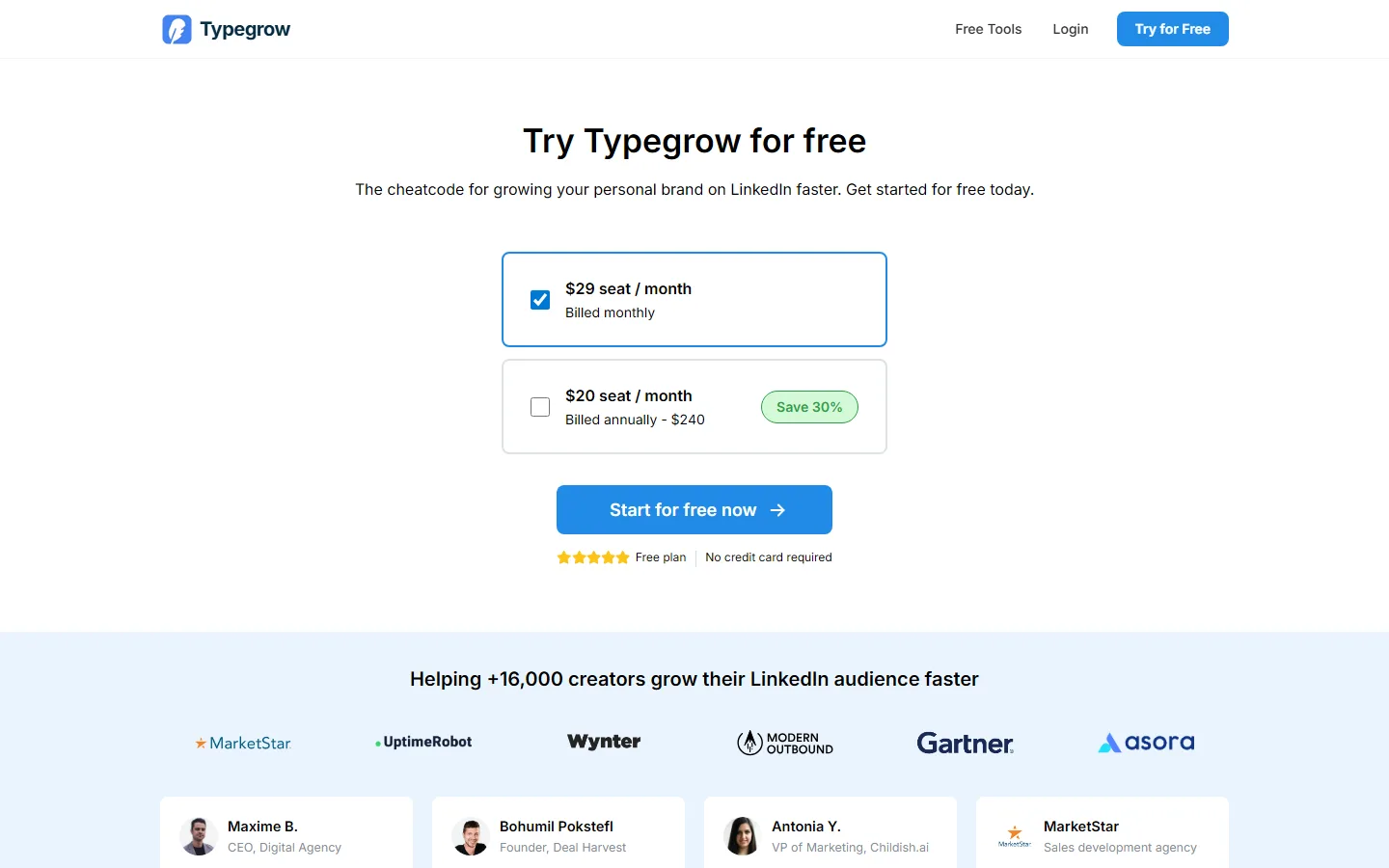
A cheap, cloud-only LinkedIn tool on the official API: AI writer, scheduler, carousel maker and a viral-post library, with first-class company-page posting.
Good
- Completely free right now, with no credit card
- Official API, no extension, no automation
- Company-page posting is first-class
- AI writer, scheduler and carousels in one place
Watch out
- A paid plan is in development, so the price will change
- No analytics found
- No independent reviews at all
EasyGen
Best for Fast text drafts modelled on trending topics and top creators
A text-post writer by creator Ruben Hassid that researches top creators' posts and trends across Reddit, X and search, then writes in that shape. It schedules but deliberately doesn't auto-publish.
Good
- A real research layer: scrapes trends across several sources
- Users say output sounds like a real person
- Chrome Web Store 4.7 from 91 ratings
- Simple, single plan
Watch out
- Price isn't published; about $59.99/mo is reported by third parties
- No refunds
- Text only: no carousels or analytics
Oiti
Best for Solo ghostwriters wanting deep voice modelling across a few personas
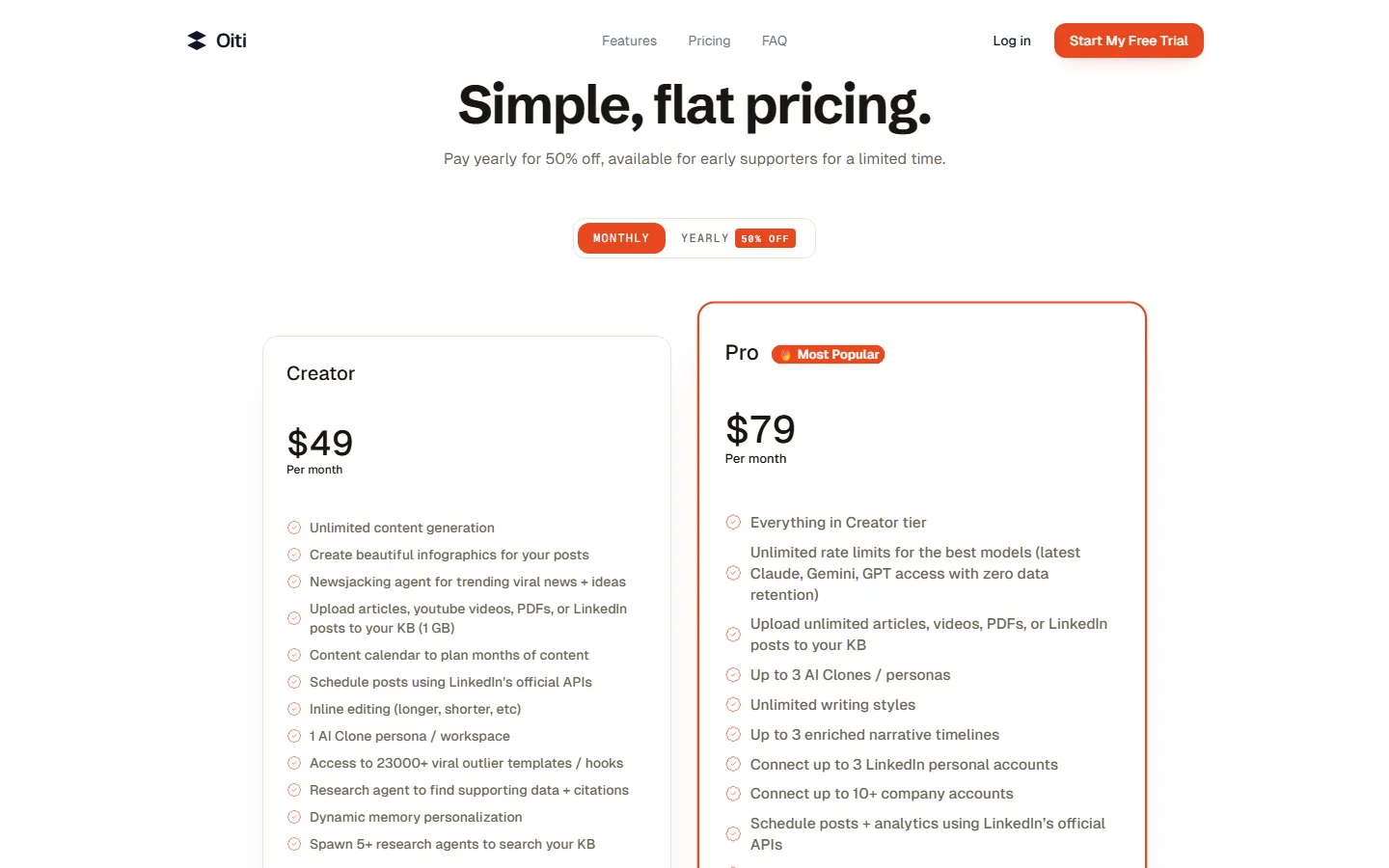
A one-person LinkedIn ghostwriting tool built on a detailed "AI Clone" persona and a knowledge base its research agents search before writing.
Good
- Detailed persona modelling with long-term memory from your edits
- Research agents search your knowledge base with citations
- Three personas and 10+ company accounts for $79
- Cheap annual plans and a written 7-day refund
Watch out
- No independent reviews anywhere
- Run by a one-person company
- No analytics or carousels
ChatGPT or Claude
Best for A free start, if you're happy formatting, designing and posting yourself
General AI assistants. Excellent at drafting and rewriting once you set up a project with your best posts, but with no native LinkedIn publishing, scheduling, analytics or carousel format.
Good
- Free to start
- Writes well with a project of your best posts and audience
- Already in most people's toolkit
- Can drive dedicated tools through MCP connectors
Watch out
- No native LinkedIn publishing, scheduling or analytics
- No LinkedIn-shaped carousels
- You keep the context and voice up to date yourself
The top five side by side
| Feature | Flypost | Taplio | Supergrow | AuthoredUp | Scripe |
|---|---|---|---|---|---|
| Best for | Turning your own blog, videos and documents into LinkedIn posts and visuals | Content and outbound lead generation in one subscription | People who'd rather talk than type, and teams of colleagues posting | People who write their own posts and want them formatted, previewed and measured | European B2B teams running a LinkedIn programme with approvals and deep analytics |
| Starting price | $49/mo | $39/mo | $39/mo | $19.95/mo | €69/mo + VAT |
| AI writing | Yes, drafted from your own material | Yes, from Growth ($69) upwards | Yes | Coauthor (beta), trained on your past posts | Yes, four creation modes incl. content interviews in 6 languages |
| Writes from your own material | Yes: whole blog via sitemap, YouTube channel, documents, Google Drive | Repurpose from a URL; no persistent knowledge base | Per item: URL, YouTube, PDF | No | Yes: notes, docs, whole websites re-checked weekly, Notion, YouTube |
| Visuals | Carousels, infographics, memes, stat graphics, comparison images, product shots, Pulse articles | Carousels and AI images | Carousels (and infographics per its help centre) | None | Carousels, tweet cards, photo overlays |
| Scheduling | Yes | Yes, with first comment, auto-reply and auto-DM boosts | Yes | Yes, plus reminders and a best-time heatmap | Yes |
| How it connects to LinkedIn | Official LinkedIn sign-in through an approved partner. No browser extension. | Chrome extension in your live LinkedIn session | Official LinkedIn API and sign-in. No extension. | Chrome extension in your own session. No engagement automation. | Official API (vendor-stated partnership) |
| Analytics | Pro and Agency plans | Yes, on every plan | Light | Strong, with full history import | Deepest here, incl. pre-signup history and revenue attribution (Business) |
| Teams | Unlimited team seats on every plan | Per seat from Growth ($69/seat) | Strong: per-member voice, approvals, leaderboards ($199 for 5) | Business plan, billed per profile; managers free | Strong: approvals, roles, campaigns |
| Lead gen / outreach | No | Yes on Pro: lead database, bulk DMs and connection requests | No | No | Team auto-engagement across colleagues' accounts |
| Free trial | 7-day Pro trial, card required | 7 days of Pro, card required | 7 days | Free trial, no card | 7 days, card required |
What actually makes a LinkedIn post perform
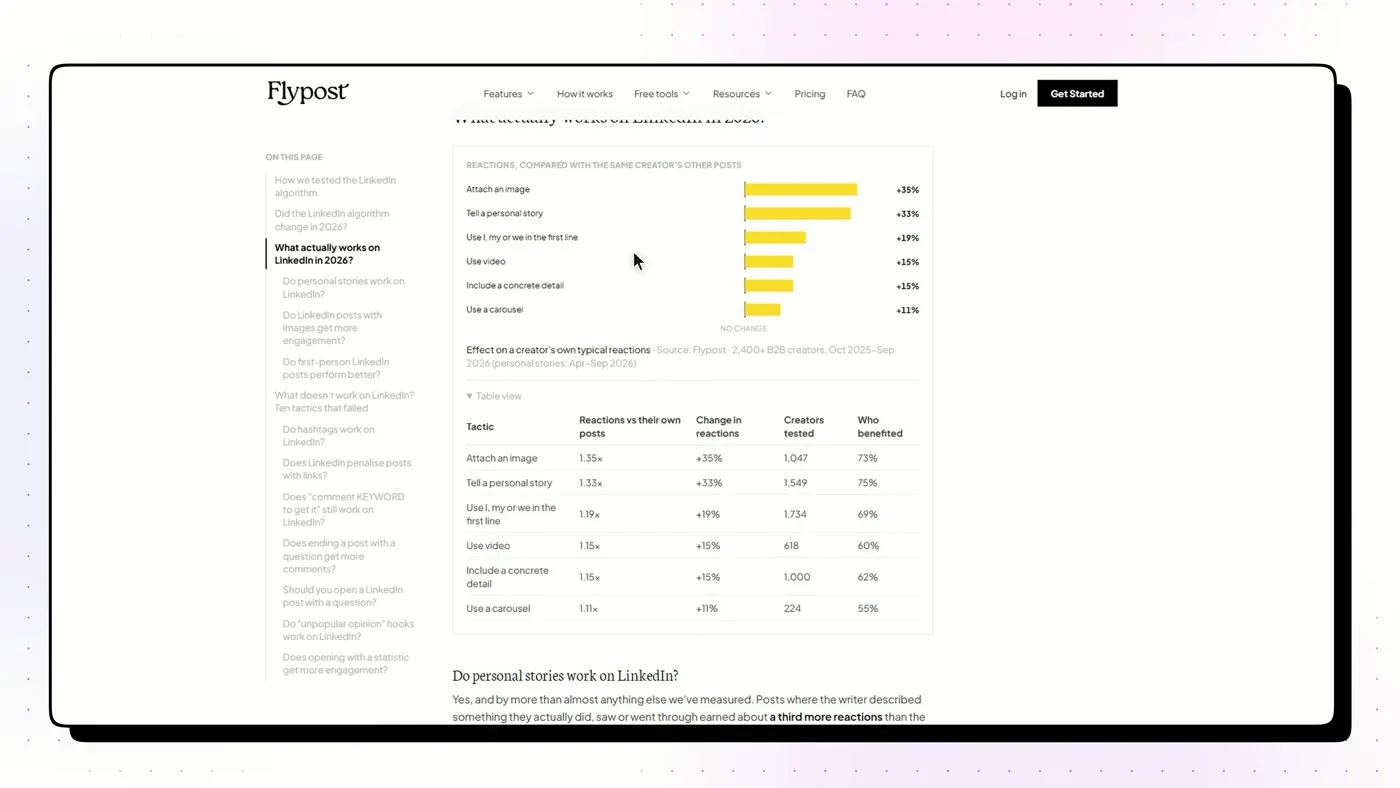
The tool is only half of it. We analysed 116,000+ LinkedIn posts from 2,400+ creators to see what earns reach. Posts with an image got 35% more reactions. Personal stories got 33% more. Opening with a first-person line ("I…") added 19%, and carousels 11%. Two popular tactics backfired: opening with a question cost 17%, and "comment KEYWORD and I'll send it" bait cost 24%.
And AI tells cost you: in a separate study of 2,016 posts from 336 creators, posts that read as AI-written got about 24% fewer reactions. That's why we weight tools that draft from your material and voice above tools that write from a blank prompt. More in what the data says.
How we ranked them
We scored each tool on five things: how good the drafts are (and whether they sound like the person), what it can make beyond text, how it connects to LinkedIn, honesty of pricing (does the headline price include the AI?), and the weight of independent reviews. Full method on how we test.
Frequently asked questions
What is the best AI tool for LinkedIn?
It depends on the job. Flypost for drafting posts and visuals from your own material, Taplio for content plus outbound lead generation, Supergrow for voice-first drafting and employee advocacy, AuthoredUp for editing and analytics, Scripe for B2B teams that need approvals.
What is the cheapest LinkedIn AI tool?
ChatGPT and Claude are free to start. Among dedicated tools, Typegrow is completely free for now (a paid plan is in development), and AuthoredUp starts at $19.95/mo. Watch the headline prices: Taplio's $39 plan and MagicPost's $35 plan include no AI writing.
Is Taplio still the best LinkedIn tool?
Taplio is the most complete growth suite, and the only one here with a real lead database and bulk outreach. But its AI writer starts at $69/mo, it works through a Chrome extension, and its Trustpilot score is 3.6 from 20 reviews. If you mainly want help writing, the alternatives are cheaper.
Do AI-written LinkedIn posts perform worse?
In a study of 2,016 posts from 336 creators, posts that read as AI-written got about 24% fewer reactions. The tool matters less than whether the post sounds like you, which is why tools that draft from your own material or voice tend to do better.
Can ChatGPT replace a LinkedIn AI tool?
For writing, mostly yes, with a good project set up. What it can't do natively is publish, schedule, track analytics or make LinkedIn-shaped carousels.