Visuals
The best AI LinkedIn carousel generators in 2026
Carousels earn 11% more reactions than average LinkedIn posts. We compared the AI tools that design LinkedIn carousels, from free generators to full visual studios.

Short answer
For carousels plus every other visual format, Flypost ($49/mo) designs carousels, infographics, memes and stat graphics from your own material. Taplio and Supergrow include solid carousel makers with their AI writers; Dynal AI makes 1 to 10-slide carousels on credits; Typegrow is the cheapest. AuthoredUp makes no visuals.
A LinkedIn carousel is a PDF document post: the reader swipes through slides in the feed. They take time to design by hand, which is exactly the job AI tools now do well.
Why carousels are worth the effort
In our analysis of 116,000+ LinkedIn posts, carousels earned about 11% more reactions than average, and any post with an image earned 35% more. They also hold attention: every swipe is a reason for LinkedIn to keep showing the post.
What separates a good carousel generator
- It writes the slides, not just the layout. One idea per slide, a real hook on slide one.
- It uses your brand. Your colours, fonts and logo, automatically.
- It exports a LinkedIn-ready PDF, or posts it for you.
- It makes more than carousels. Infographics and single images often suit an idea better.
The best LinkedIn carousel generators
Flypost
Best for Turning your own blog, videos and documents into LinkedIn posts and visuals
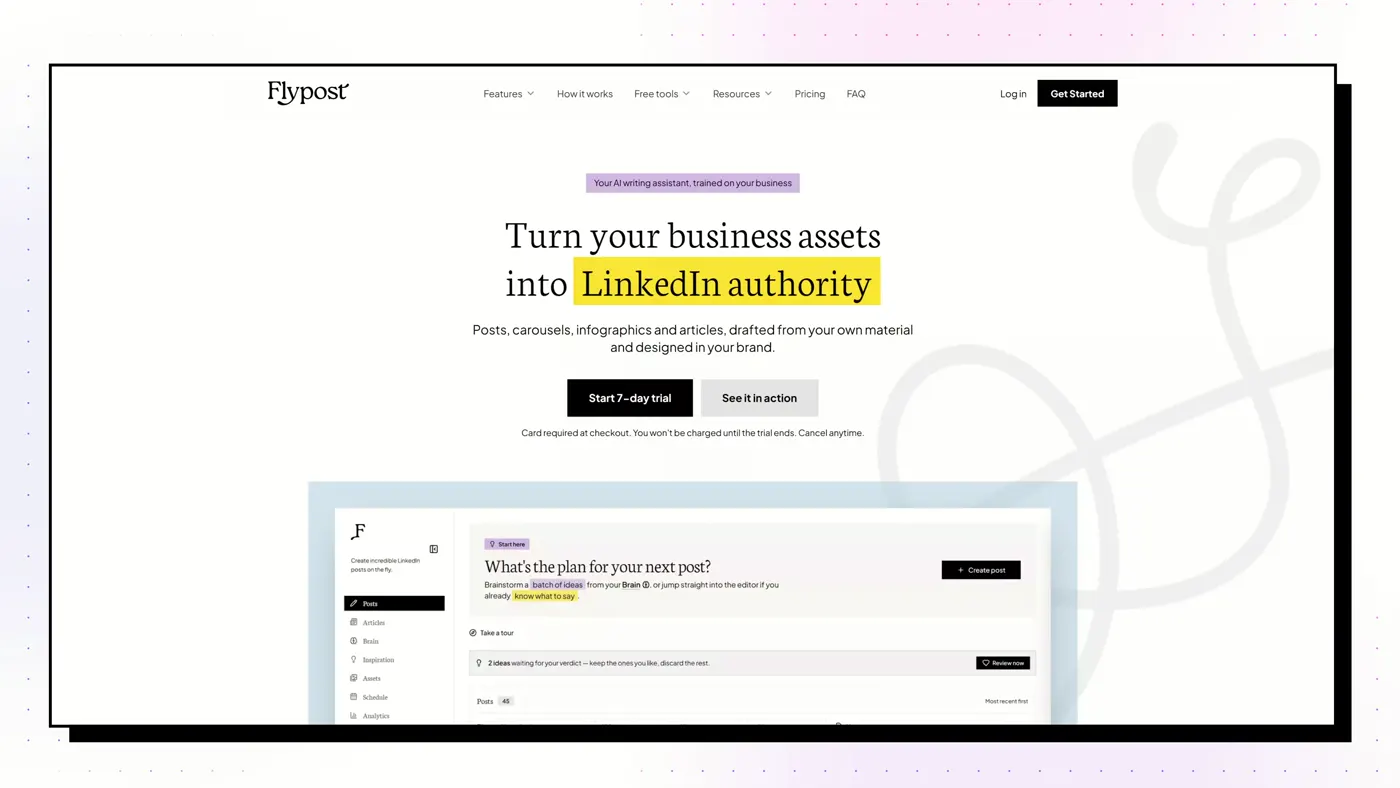
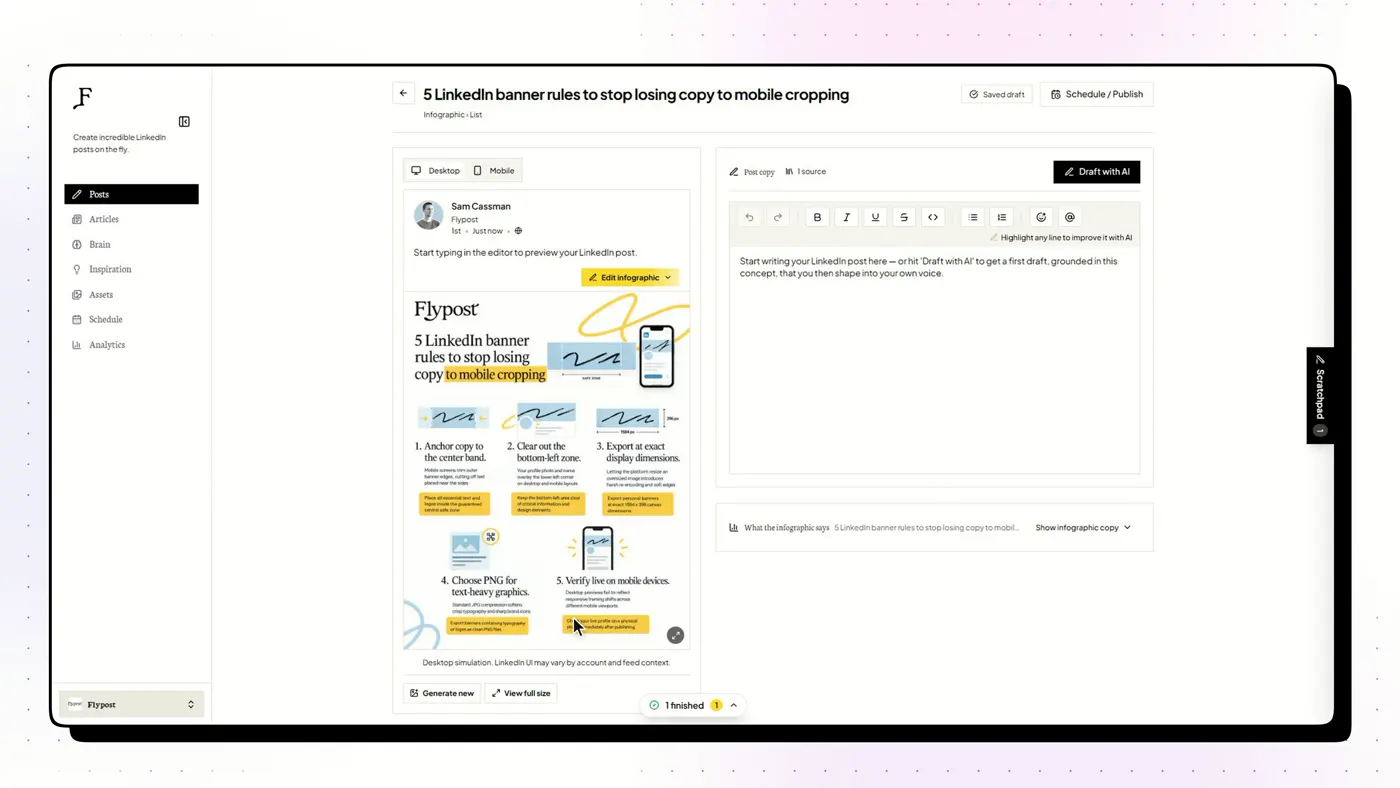
A LinkedIn content studio that builds a searchable "Brain" from your blog, YouTube channel and documents, then drafts posts, carousels, infographics and articles from that material and schedules them to LinkedIn.
Good
- Drafts from your whole archive: blog via sitemap crawl, YouTube transcripts, uploaded documents and Google Drive
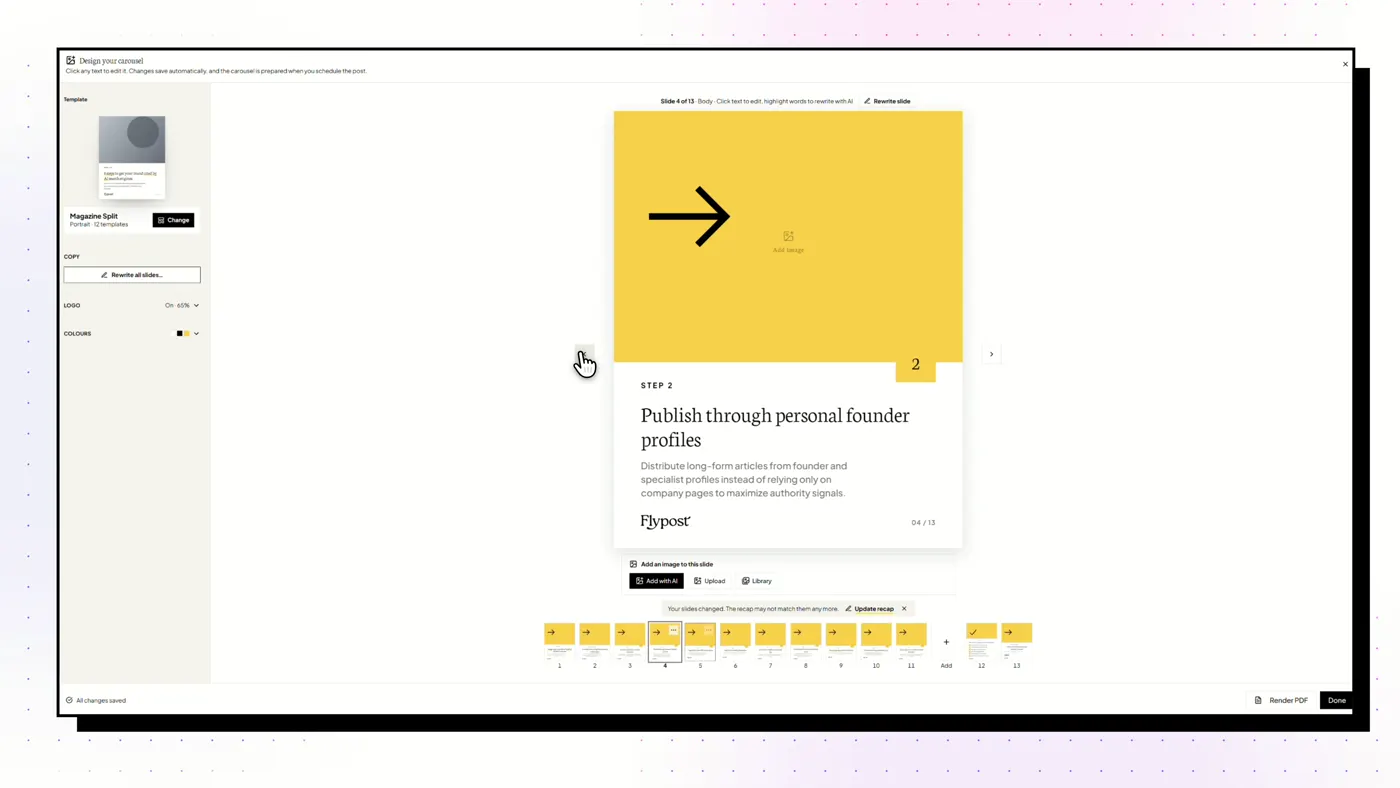
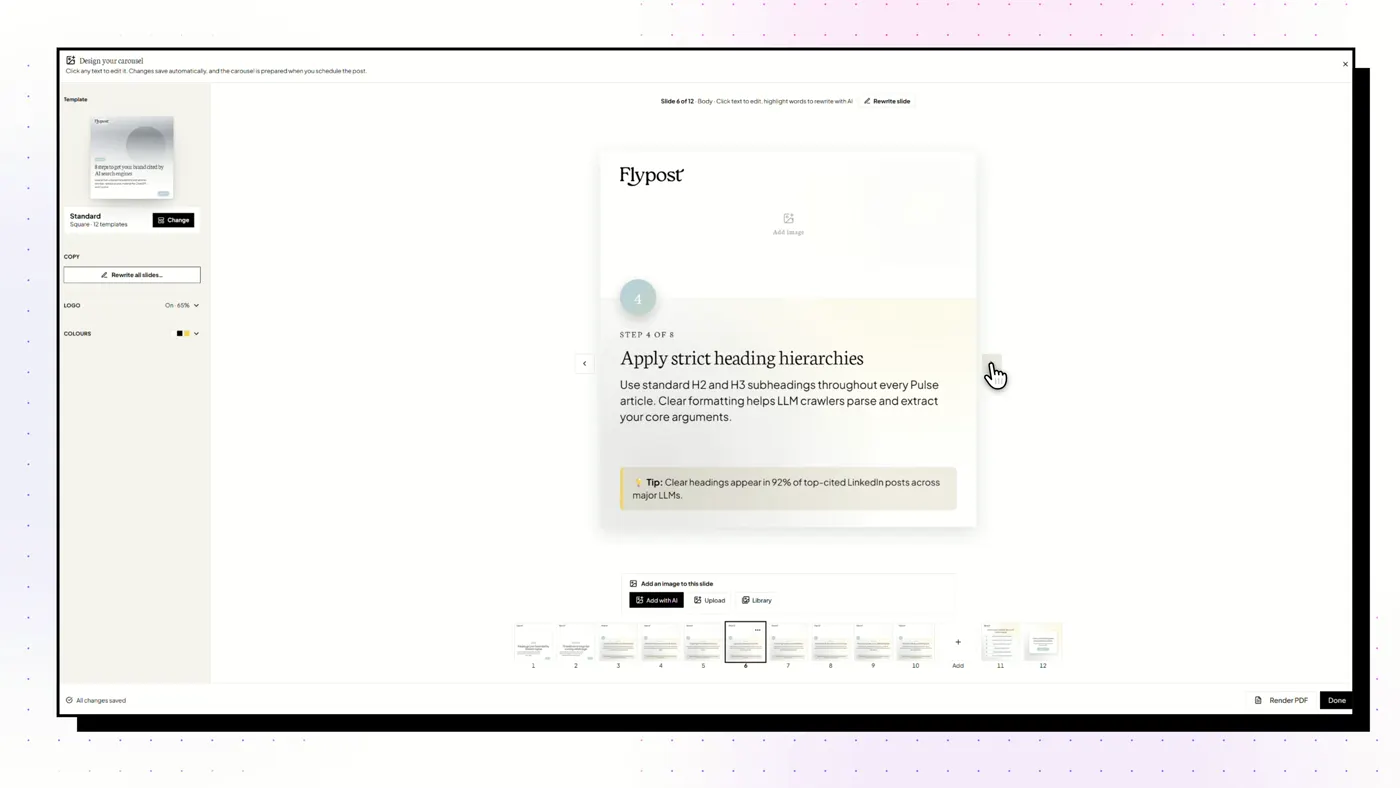
- Widest range of visuals we tested: carousels, infographics, memes, stat graphics, comparison images and long-form articles
- A post score built on a study of 116,000+ LinkedIn posts flags weak hooks and AI tells before you publish
- Schedules through LinkedIn's official sign-in via an approved partner, with no browser extension
Watch out
- No independent reviews yet on G2 or Trustpilot
- No lead generation, outreach or DM automation
- Post analytics need the $79 Pro plan, and the trial takes a card
Taplio
Best for Content and outbound lead generation in one subscription
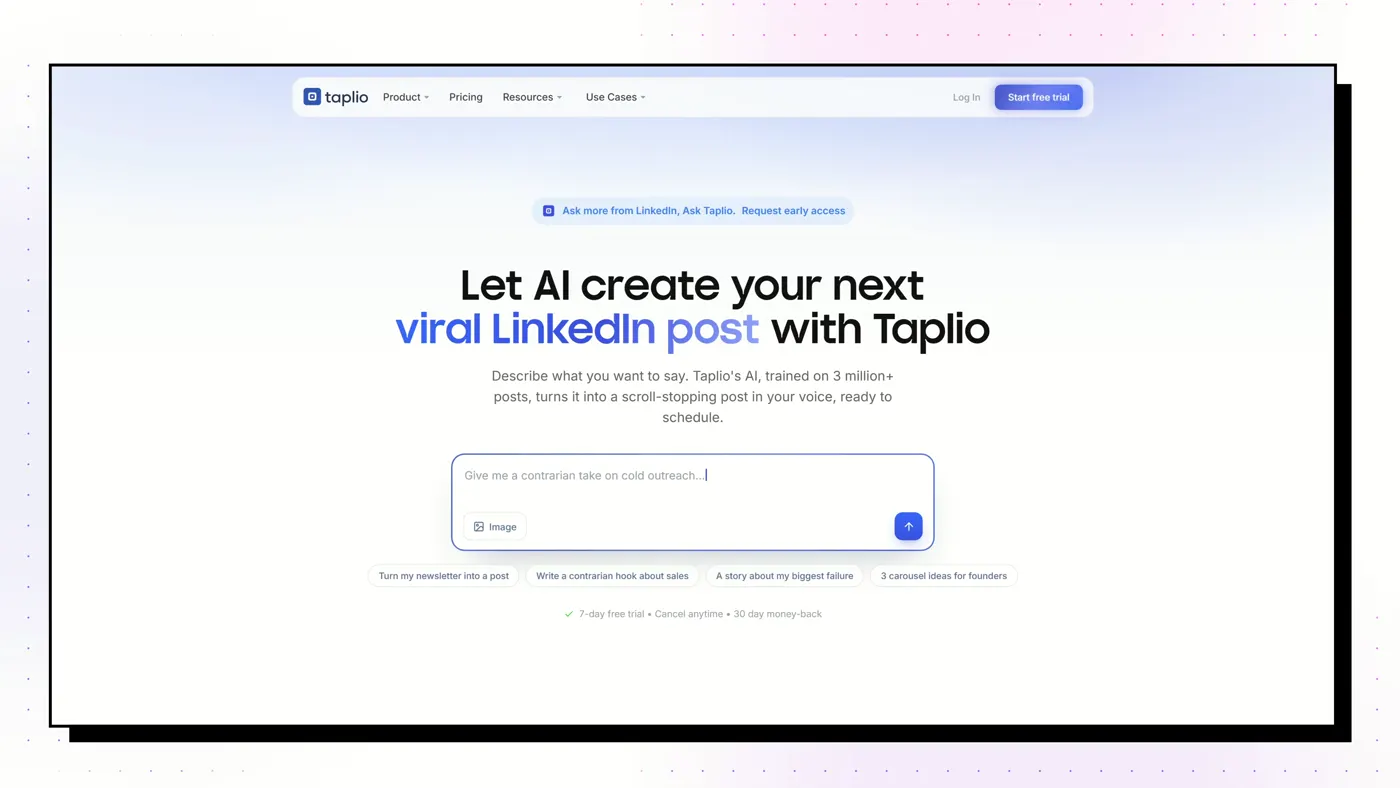
The category heavyweight from lempire, the makers of lemlist. An AI writer, scheduler and 5M+ viral-post library, plus a lead database and bulk outreach on its top plan.
Good
- Searchable library of 5M+ viral LinkedIn posts, even on the cheapest plan
- Scheduling and analytics included on every tier
- The only tool here with a real lead database and bulk outreach (Pro)
- Strong AI-assistant story: a hosted MCP server with 27 tools and free Claude Skills
Watch out
- The $39 Starter plan has no AI writing at all: the real price for AI is $69
- Works through a Chrome extension inside your live LinkedIn session, not an official API
- Trustpilot 3.6 from 20 reviews, half of them 1-star; unexpected renewals are the recurring complaint
Supergrow
Best for People who'd rather talk than type, and teams of colleagues posting
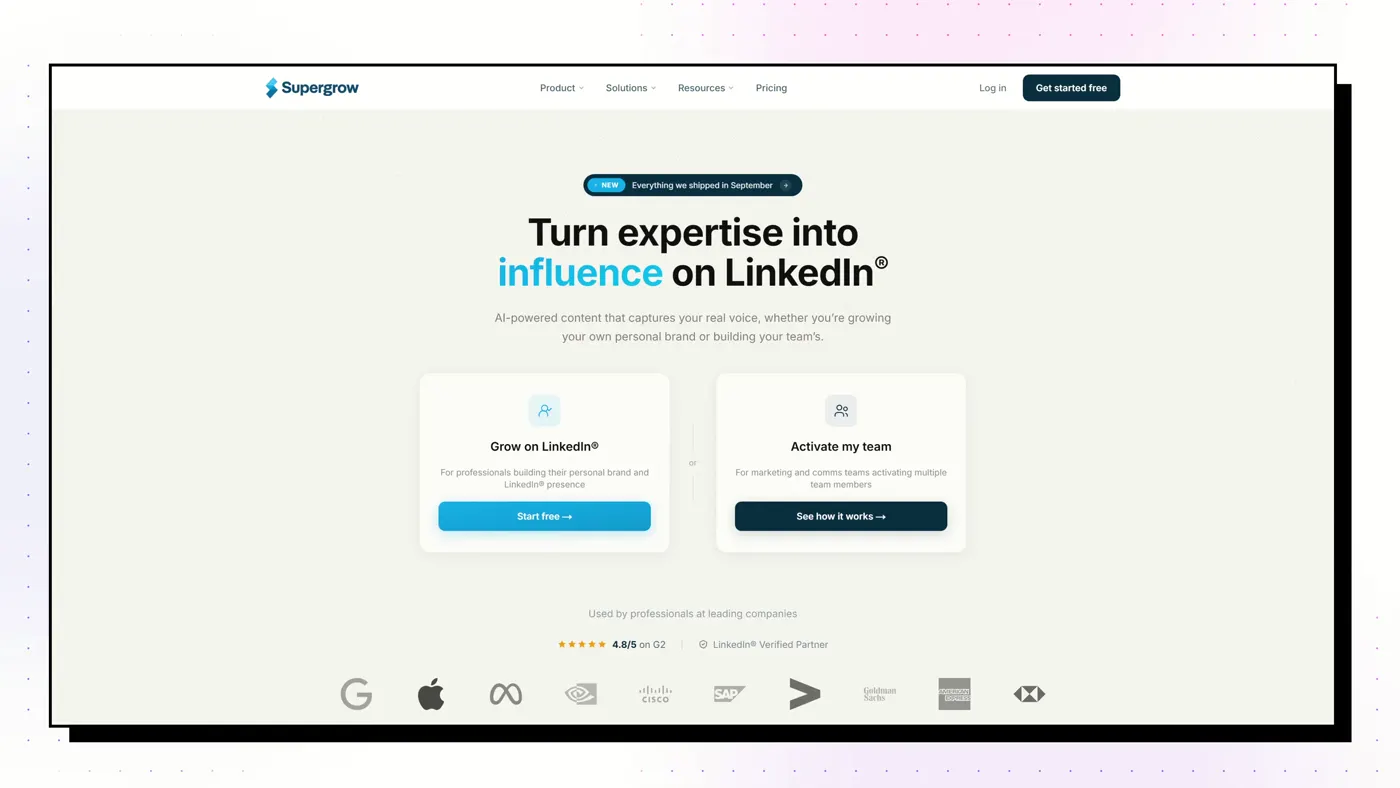
A voice-first AI writer. PostCast runs a short AI voice interview and turns your answers into posts, and Content DNA models how you write. Strong employee-advocacy features for teams.
Good
- PostCast: a 10-minute AI voice interview that becomes 3 to 5 posts
- Content DNA models your writing across five layers
- Best employee-advocacy tooling on this list
- A Post Score (since August 2026) rates performance and authenticity, with rewrites
Watch out
- Output stops at text and carousels: no memes, stat graphics or long-form articles
- Analytics are light
- Thin review base: G2 4.4 from 14 reviews
Dynal AI
Best for Running several LinkedIn accounts on a budget
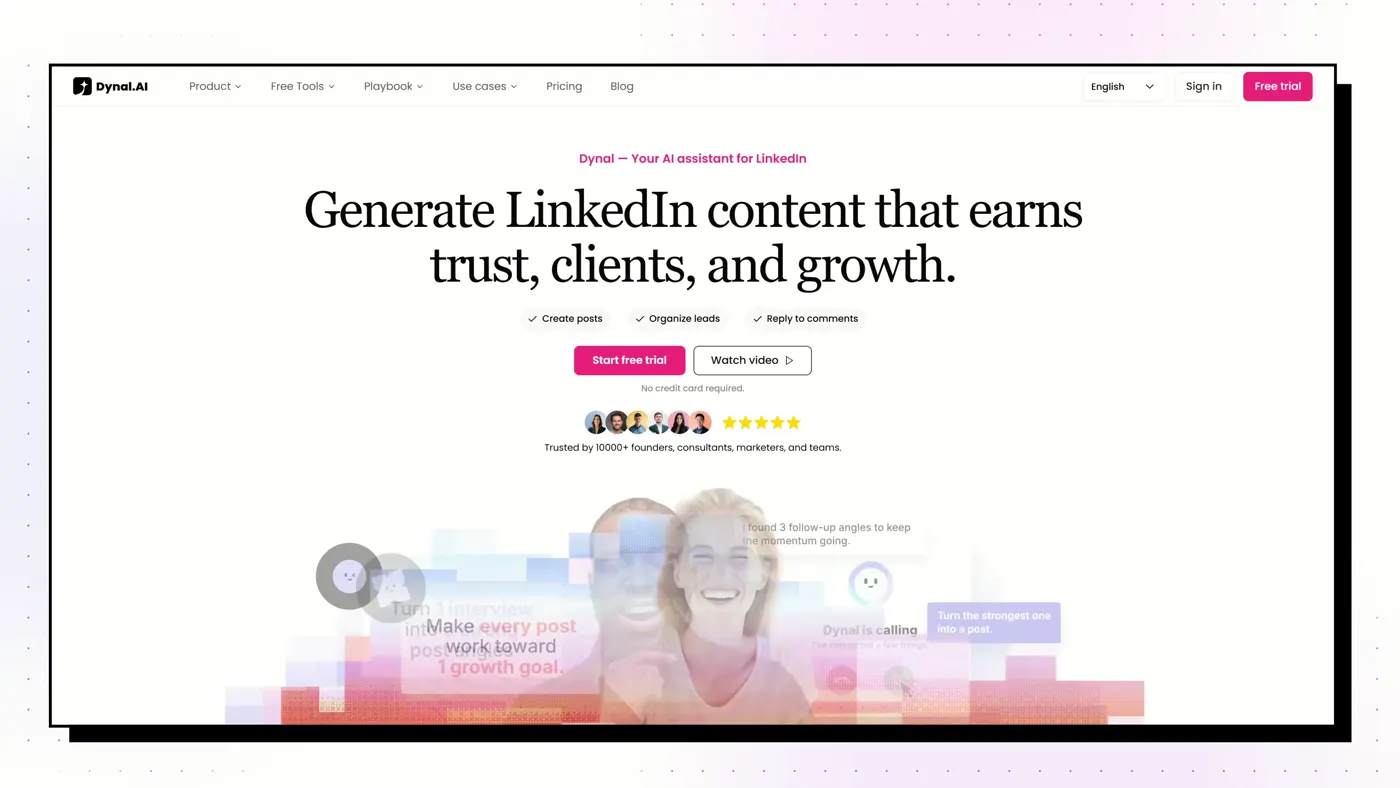
A young LinkedIn-only AI assistant. Brand DNA builds a voice from your profile, and it turns PDFs, links and YouTube videos into posts with images or carousels, scheduled through LinkedIn sign-in. Everything runs on credits.
Good
- Brand DNA builds a structured voice profile from your LinkedIn
- Turns PDFs, web pages and YouTube videos into posts with images or carousels
- Five accounts with separate voices for $60: the cheapest multi-account setup here
- Card-free 3-day trial
Watch out
- Everything costs credits; running out is the top buyer complaint
- AppSumo 3.4 from 25 reviews, mixed after the August rebuild
- No seats, roles or approvals
ContentIn
Best for Founders who already post and want drafts in their own voice
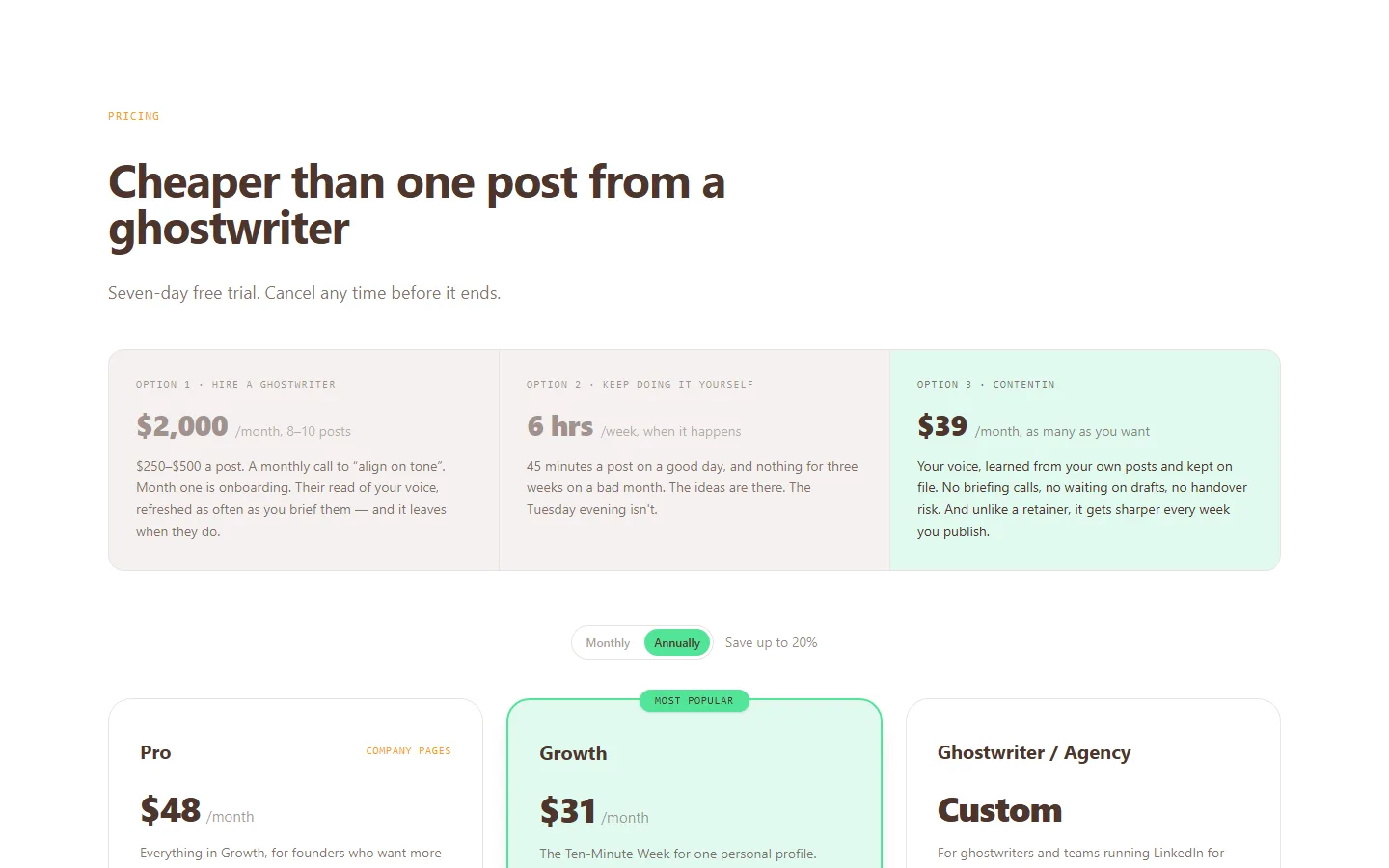
An AI ghostwriter that trains a voice model on your past posts (it needs about 20), with 1,000+ templates, scheduling and light analytics, on LinkedIn's official API.
Good
- The entry plan includes the unlimited AI ghostwriter
- Voice matching from your own posts
- 1,000+ post templates, the largest library claimed here
- 7-day trial plus a 30-day refund on the first payment
Watch out
- Very few independent reviews: G2 shows 4.5 from just 5
- Some reviewers call the output generic
- Carousels capped at 4 a month on Growth
Typegrow
Best for Solo creators who want cheap writing, scheduling and carousels
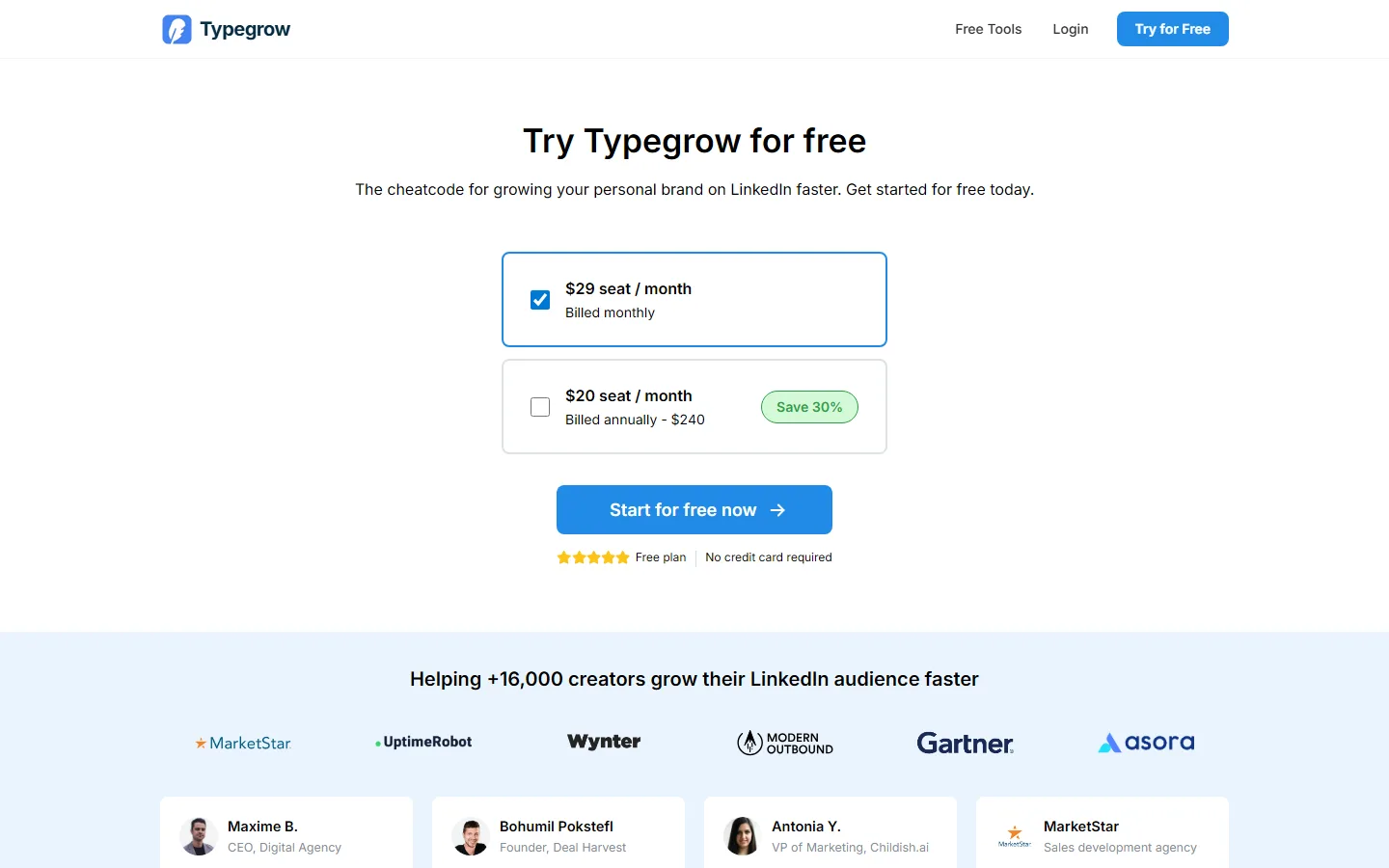
A cheap, cloud-only LinkedIn tool on the official API: AI writer, scheduler, carousel maker and a viral-post library, with first-class company-page posting.
Good
- Completely free right now, with no credit card
- Official API, no extension, no automation
- Company-page posting is first-class
- AI writer, scheduler and carousels in one place
Watch out
- A paid plan is in development, so the price will change
- No analytics found
- No independent reviews at all
Visual formats compared
| Feature | Flypost | Taplio | Supergrow | Dynal AI | Typegrow |
|---|---|---|---|---|---|
| Best for | Turning your own blog, videos and documents into LinkedIn posts and visuals | Content and outbound lead generation in one subscription | People who'd rather talk than type, and teams of colleagues posting | Running several LinkedIn accounts on a budget | Solo creators who want cheap writing, scheduling and carousels |
| Starting price | $49/mo | $39/mo | $39/mo | $40/mo | Free |
| AI writing | Yes, drafted from your own material | Yes, from Growth ($69) upwards | Yes | Yes | Yes |
| Writes from your own material | Yes: whole blog via sitemap, YouTube channel, documents, Google Drive | Repurpose from a URL; no persistent knowledge base | Per item: URL, YouTube, PDF | Up to 4 knowledge sources per brand | No |
| Visuals | Carousels, infographics, memes, stat graphics, comparison images, product shots, Pulse articles | Carousels and AI images | Carousels (and infographics per its help centre) | AI images and carousels (1-10 slides) | Carousels |
| Scheduling | Yes | Yes, with first comment, auto-reply and auto-DM boosts | Yes | Yes | Yes, up to 50 days ahead |
| How it connects to LinkedIn | Official LinkedIn sign-in through an approved partner. No browser extension. | Chrome extension in your live LinkedIn session | Official LinkedIn API and sign-in. No extension. | LinkedIn sign-in (OAuth); optional read-only reply extension | Official LinkedIn API. No extension. |
| Analytics | Pro and Agency plans | Yes, on every plan | Light | Dashboard since Aug 2026 | None found |
| Teams | Unlimited team seats on every plan | Per seat from Growth ($69/seat) | Strong: per-member voice, approvals, leaderboards ($199 for 5) | Accounts, not seats | Per seat |
| Lead gen / outreach | No | Yes on Pro: lead database, bulk DMs and connection requests | No | Reply/lead extension; you send | No |
| Free trial | 7-day Pro trial, card required | 7 days of Pro, card required | 7 days | 3 days, 100 credits, no card | Free, no card |
Our pick
If carousels are the main event, any of Taplio, Supergrow or Flypost will make good ones. If you want the widest range (carousels, infographics, memes, stat graphics and comparison images), Flypost is the broadest we tested. On a tight budget, Typegrow or Dynal AI's credit plan.
Frequently asked questions
Do LinkedIn carousels still work in 2026?
Yes. In our study of 116,000+ posts, carousels earned about 11% more reactions than the creators' other posts, and posts with an image earned 35% more.
How do I make a LinkedIn carousel?
A LinkedIn carousel is a PDF uploaded as a document post. Design square or portrait slides (1080×1080 or 1080×1350), export as PDF, then in LinkedIn's composer choose Add a document and give it a title.
What is the best free LinkedIn carousel maker?
Canva's free plan works if you design by hand. Postbeam has a free public carousel generator, and Typegrow, currently free, includes carousels.
How many slides should a LinkedIn carousel have?
Enough to make one point well. Most strong carousels are 6 to 10 slides: a hook slide, one idea per slide, and a closing slide.