Review
Typegrow review (2026): pros, cons and pricing
Typegrow tested: what it does well, where it falls short, what it costs and who should pick it. Solo creators who want cheap writing, scheduling and carousels.
Short answer
Typegrow is best for solo creators who want cheap writing, scheduling and carousels. It starts at Free. Free for now, with the least evidence behind it.
Typegrow at a glance
| Feature | Typegrow |
|---|---|
| Best for | Solo creators who want cheap writing, scheduling and carousels |
| Starting price | Free |
| AI writing | Yes |
| Writes from your own material | No |
| Visuals | Carousels |
| Scheduling | Yes, up to 50 days ahead |
| How it connects to LinkedIn | Official LinkedIn API. No extension. |
| Analytics | None found |
| Teams | Per seat |
| Lead gen / outreach | No |
| Free trial | Free, no card |
What Typegrow does well
- Completely free right now, with no credit card
- Official API, no extension, no automation
- Company-page posting is first-class
- AI writer, scheduler and carousels in one place
Where Typegrow falls short
- A paid plan is in development, so the price will change
- No analytics found
- No independent reviews at all
- No feature list, so limits are unclear
Pricing
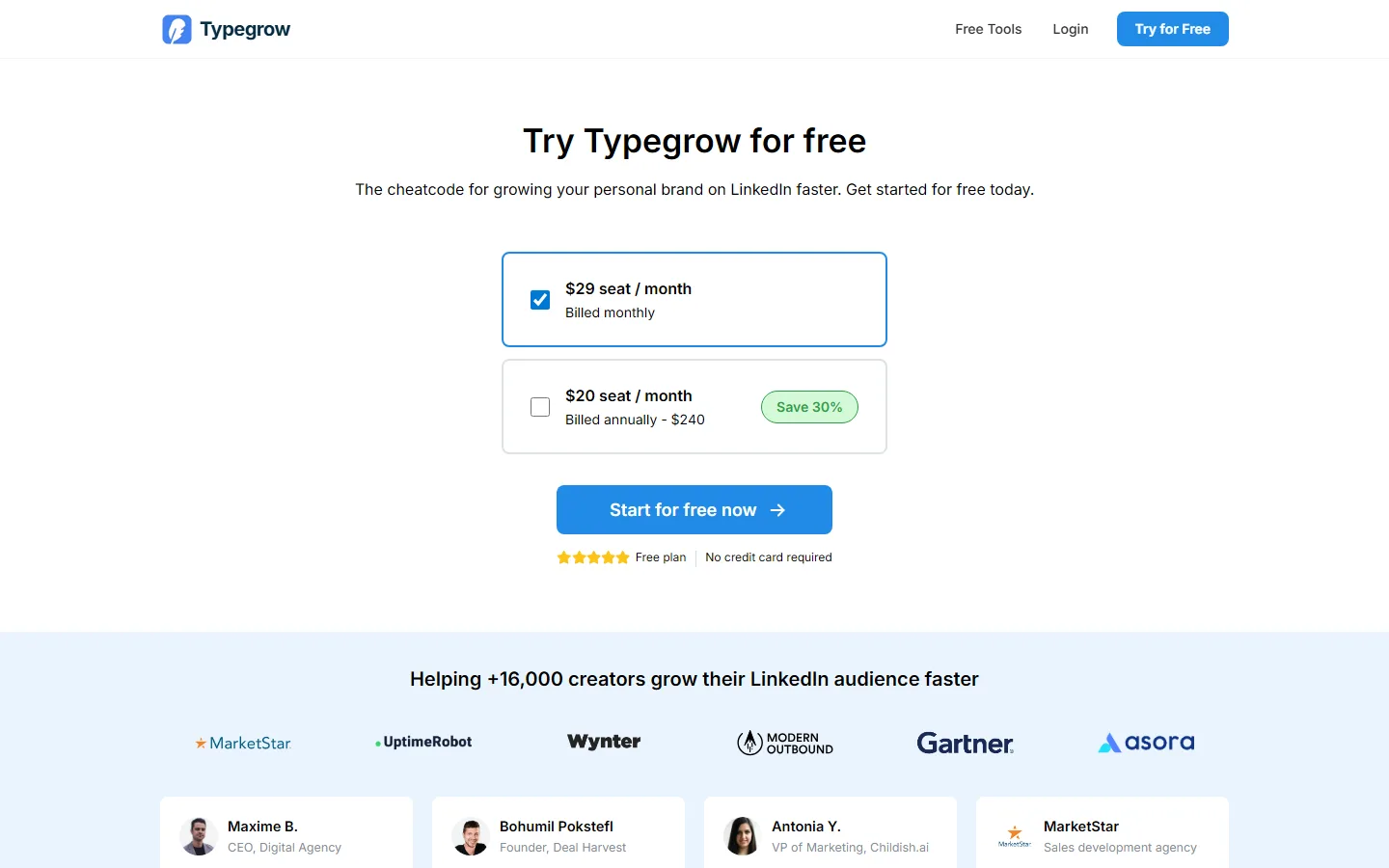
As of 28 October 2026 Typegrow's pricing page says it is completely free to use with no credit card, and that a paid plan is in development. In August 2026 it listed one paid plan at $29 per seat per month ($20 billed annually).
What users say
We found no independent reviews: G2 lists it with 0 reviews, and there's no Trustpilot or Product Hunt page.
Typegrow on YouTube
Videos from other creators that review or demo Typegrow. We don't endorse them; tags show where a video carries affiliate links. More on the video reviews page.
Who should pick Typegrow
Pick Typegrow if you want AI writing, scheduling and carousels on the official API for nothing, and accept that the price will change once its paid plan launches. Skip it if you need analytics or a known long-term price.
Alternatives to Typegrow
- MagicPost: Solo creators and agencies who want an all-in-one suite on LinkedIn's official API
- Dynal AI: Running several LinkedIn accounts on a budget
- ContentIn: Founders who already post and want drafts in their own voice
Sources
- Typegrow pricing, checked 28 Oct 2026