Scheduling
The best LinkedIn post schedulers in 2026
LinkedIn has a free built-in scheduler. Here's when it's enough, and which paid LinkedIn post schedulers are worth it for drafting, visuals, calendars and analytics.

Short answer
If you only need to schedule, use LinkedIn's own scheduler: it's free and built into the post composer. Pay for a tool when you want more than a timer: Flypost ($49/mo) drafts and designs the post and schedules it via official sign-in; AuthoredUp ($19.95/mo) is the cheapest scheduler with serious analytics; Taplio ($39/mo) adds first-comment and auto-reply boosts; Typegrow is free for now.
"LinkedIn post scheduler" is the most searched phrase in this category, and the honest answer starts with a free tool most people overlook: LinkedIn already has one. Since you can schedule natively, a paid scheduler has to earn its price with something else, such as drafting, visuals, a calendar, analytics or team approvals.
Option zero: LinkedIn's built-in scheduler
Write your post, click the clock icon next to Post, choose a date and time, and confirm. It works for personal profiles and company pages and costs nothing. What it doesn't give you: a calendar view of everything queued, drafting help, carousels, or analytics beyond LinkedIn's own. Step-by-step in how to schedule LinkedIn posts.
When a paid scheduler is worth it
- You want a calendar of a week or a month of posts, not a single queued post.
- You want the tool to write or design the post as well as time it.
- You want analytics to learn which posts and times work.
- A team needs to draft, approve and post for several people.
How schedulers connect to LinkedIn
This matters more than any feature. There are three ways:
- Official sign-in (OAuth / API). You approve the tool on a LinkedIn consent screen and it publishes through LinkedIn's sanctioned route. Flypost, Supergrow, MagicPost, ContentIn, Typegrow and Kleo work this way.
- Chrome extension in your session. The tool acts inside your logged-in browser. Taplio and AuthoredUp work this way.
- Session cookie. You paste your LinkedIn cookie into the tool. Postbeam's Hot Leads feature asks for this.
We explain the risk of each in are LinkedIn AI tools safe?
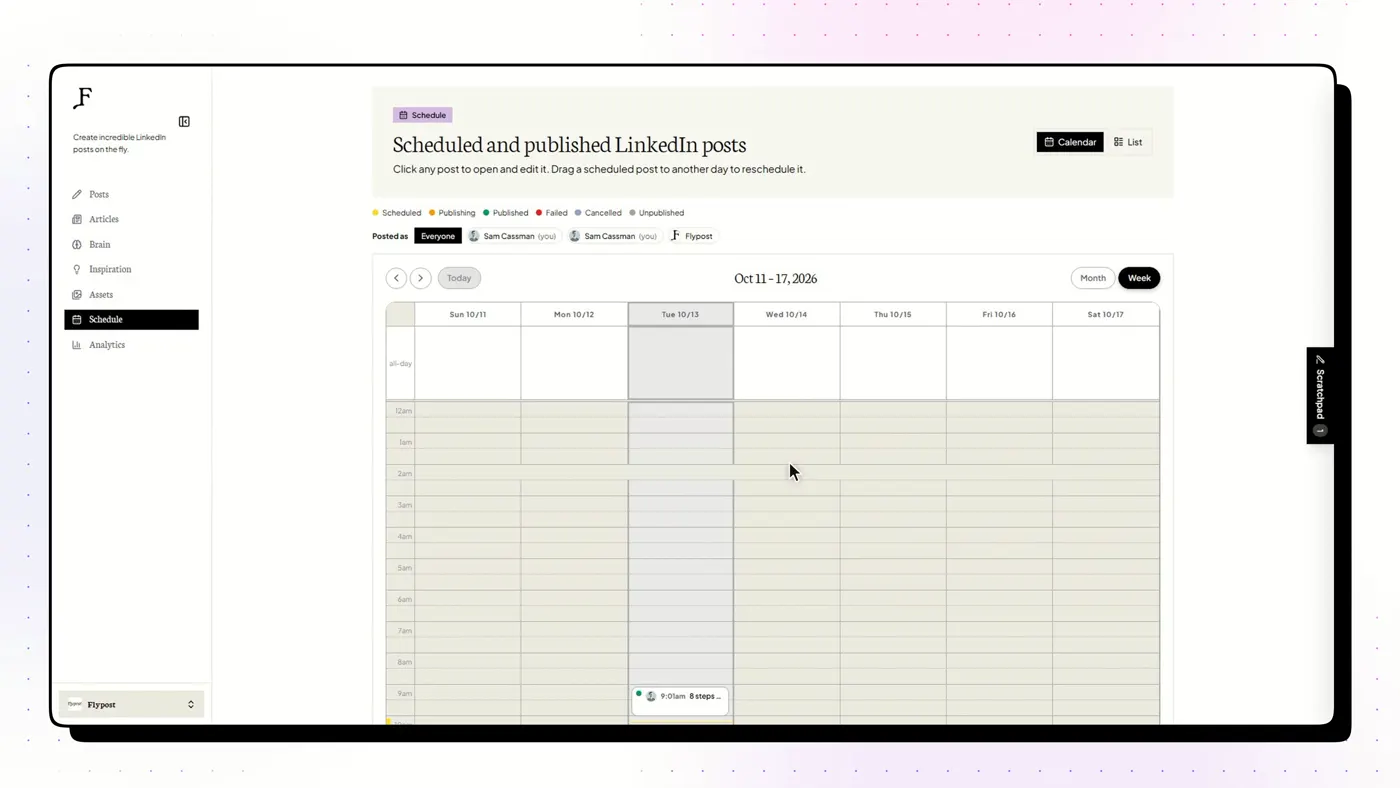
The best LinkedIn post schedulers
Flypost
Best for Turning your own blog, videos and documents into LinkedIn posts and visuals
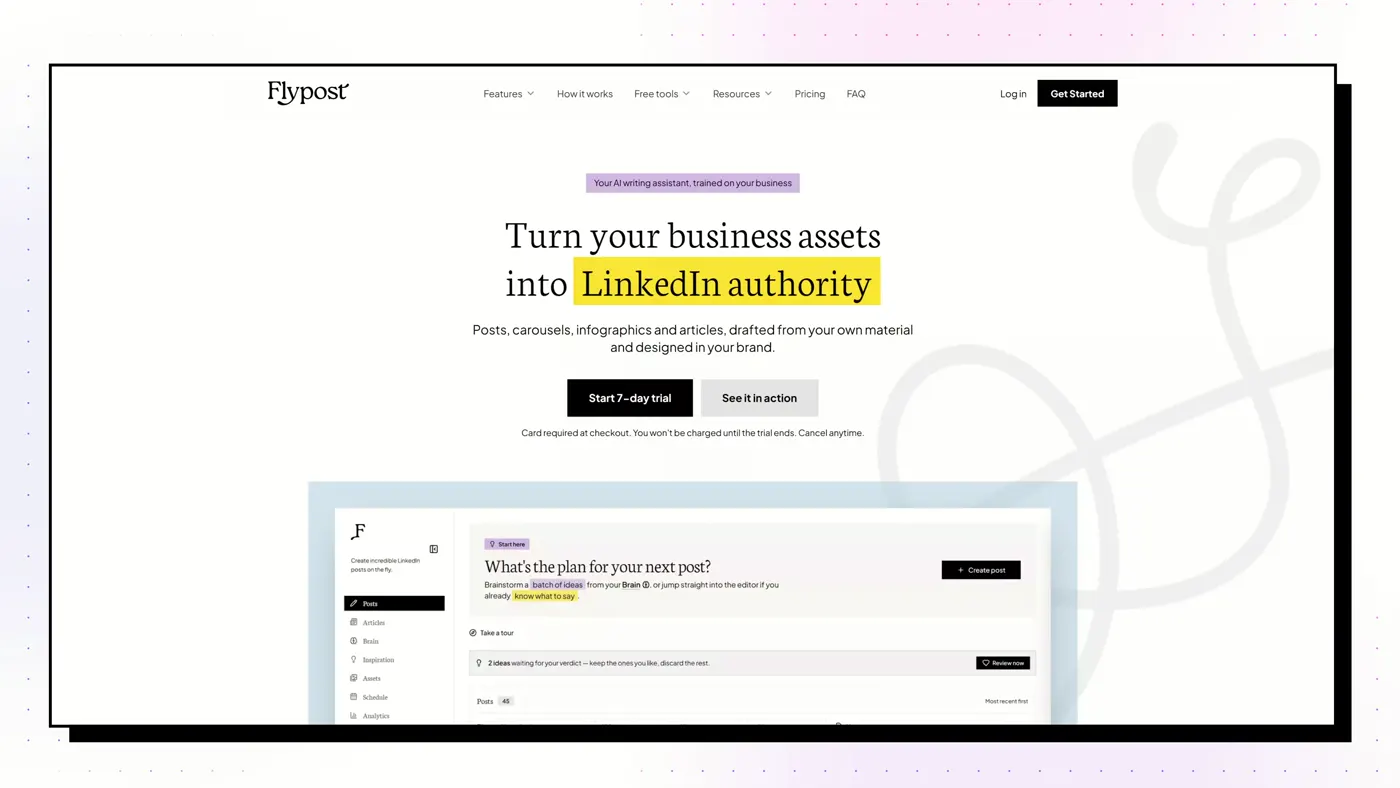
A LinkedIn content studio that builds a searchable "Brain" from your blog, YouTube channel and documents, then drafts posts, carousels, infographics and articles from that material and schedules them to LinkedIn.
Good
- Drafts from your whole archive: blog via sitemap crawl, YouTube transcripts, uploaded documents and Google Drive
- Widest range of visuals we tested: carousels, infographics, memes, stat graphics, comparison images and long-form articles
- A post score built on a study of 116,000+ LinkedIn posts flags weak hooks and AI tells before you publish
- Schedules through LinkedIn's official sign-in via an approved partner, with no browser extension
Watch out
- No independent reviews yet on G2 or Trustpilot
- No lead generation, outreach or DM automation
- Post analytics need the $79 Pro plan, and the trial takes a card
AuthoredUp
Best for People who write their own posts and want them formatted, previewed and measured
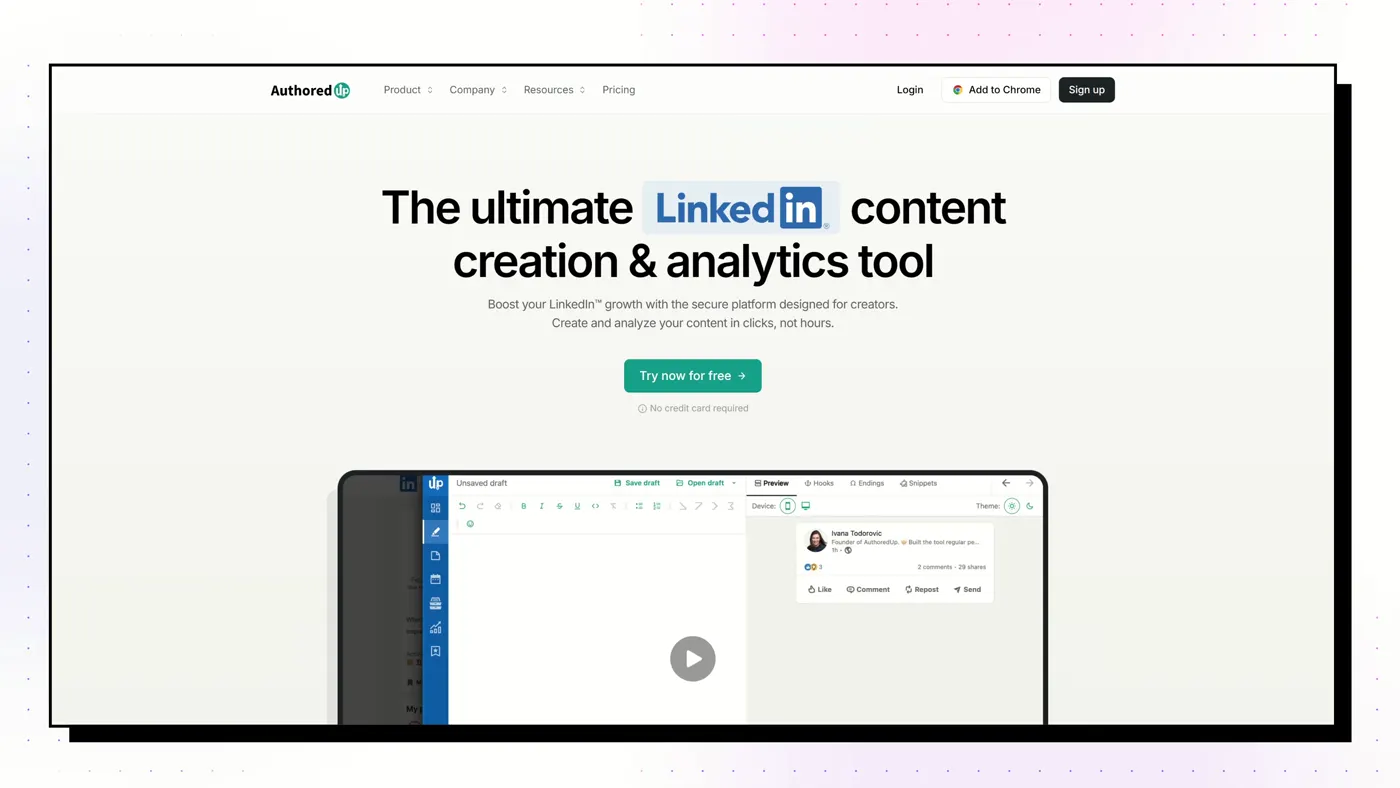
A Chrome extension and web app that is the best LinkedIn post editor we tested: rich formatting, an exact "see more" preview on desktop and mobile, and cheap, deep analytics. An AI writer, Coauthor, is in beta.
Good
- Best editor and preview: see exactly where the "see more" fold falls on desktop and mobile
- Imports your full post history for analytics like saves and sends
- Only free trial here that needs no credit card
- Chrome Web Store 4.7 from 70 ratings, 30,000 users
Watch out
- Creates no visuals: no carousels, infographics or images
- Can't read your blog, videos or documents
- Coauthor AI is still in beta and only learns from your past LinkedIn posts
Taplio
Best for Content and outbound lead generation in one subscription
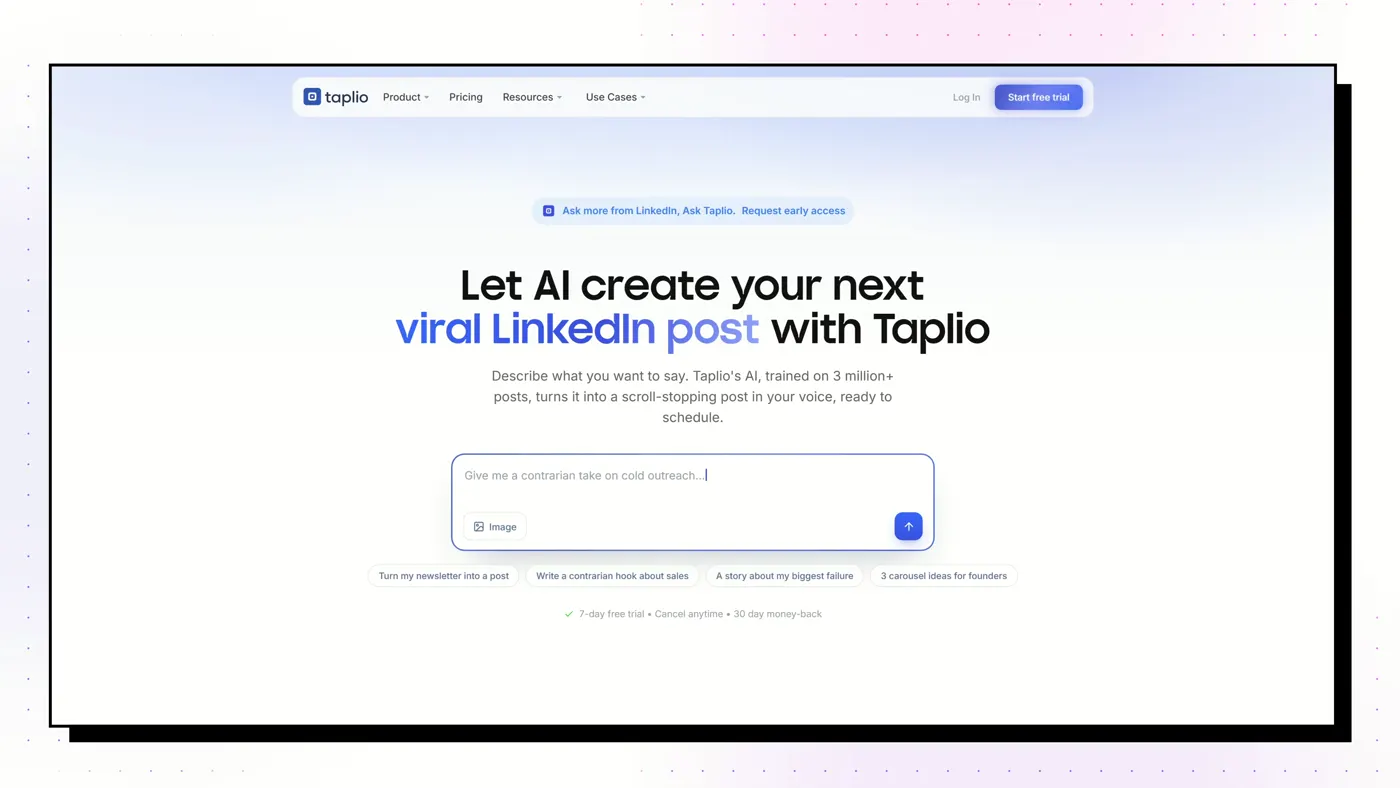
The category heavyweight from lempire, the makers of lemlist. An AI writer, scheduler and 5M+ viral-post library, plus a lead database and bulk outreach on its top plan.
Good
- Searchable library of 5M+ viral LinkedIn posts, even on the cheapest plan
- Scheduling and analytics included on every tier
- The only tool here with a real lead database and bulk outreach (Pro)
- Strong AI-assistant story: a hosted MCP server with 27 tools and free Claude Skills
Watch out
- The $39 Starter plan has no AI writing at all: the real price for AI is $69
- Works through a Chrome extension inside your live LinkedIn session, not an official API
- Trustpilot 3.6 from 20 reviews, half of them 1-star; unexpected renewals are the recurring complaint
Supergrow
Best for People who'd rather talk than type, and teams of colleagues posting
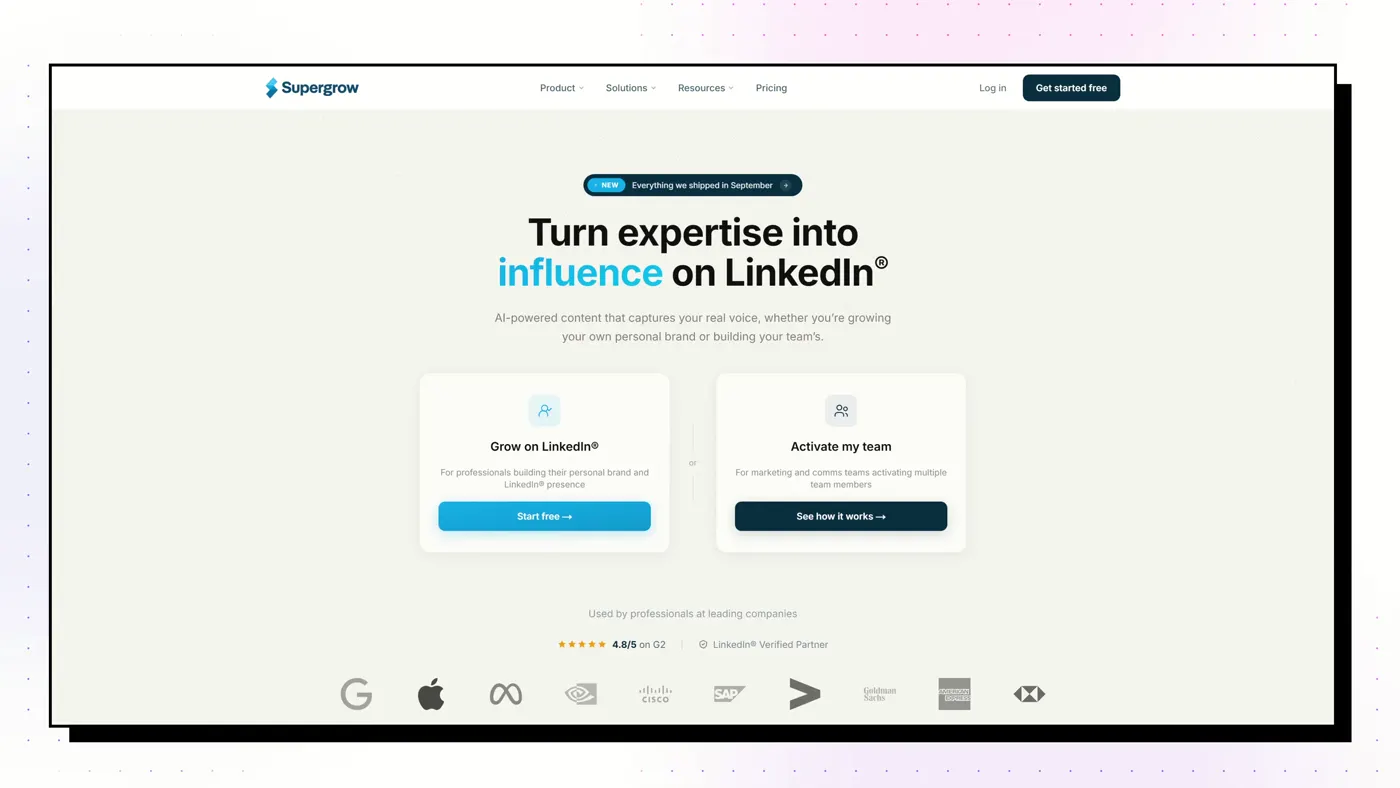
A voice-first AI writer. PostCast runs a short AI voice interview and turns your answers into posts, and Content DNA models how you write. Strong employee-advocacy features for teams.
Good
- PostCast: a 10-minute AI voice interview that becomes 3 to 5 posts
- Content DNA models your writing across five layers
- Best employee-advocacy tooling on this list
- A Post Score (since August 2026) rates performance and authenticity, with rewrites
Watch out
- Output stops at text and carousels: no memes, stat graphics or long-form articles
- Analytics are light
- Thin review base: G2 4.4 from 14 reviews
MagicPost
Best for Solo creators and agencies who want an all-in-one suite on LinkedIn's official API

A French-built LinkedIn suite covering ideas, drafting, carousels, scheduling, analytics and lead scoring, entirely on LinkedIn's official API with no extension.
Good
- Official API only, and Trustpilot reviewers raise account safety unprompted
- Style import from your own or another creator's posts
- 2M+ post inspiration library and lead scoring with CRM push
- Trustpilot 4.7 from 91 reviews
Watch out
- The headline price excludes AI: writing needs the Creator plan
- Monthly Creator costs 77% more than annual
- Carousels and visuals are beta and capped
Typegrow
Best for Solo creators who want cheap writing, scheduling and carousels
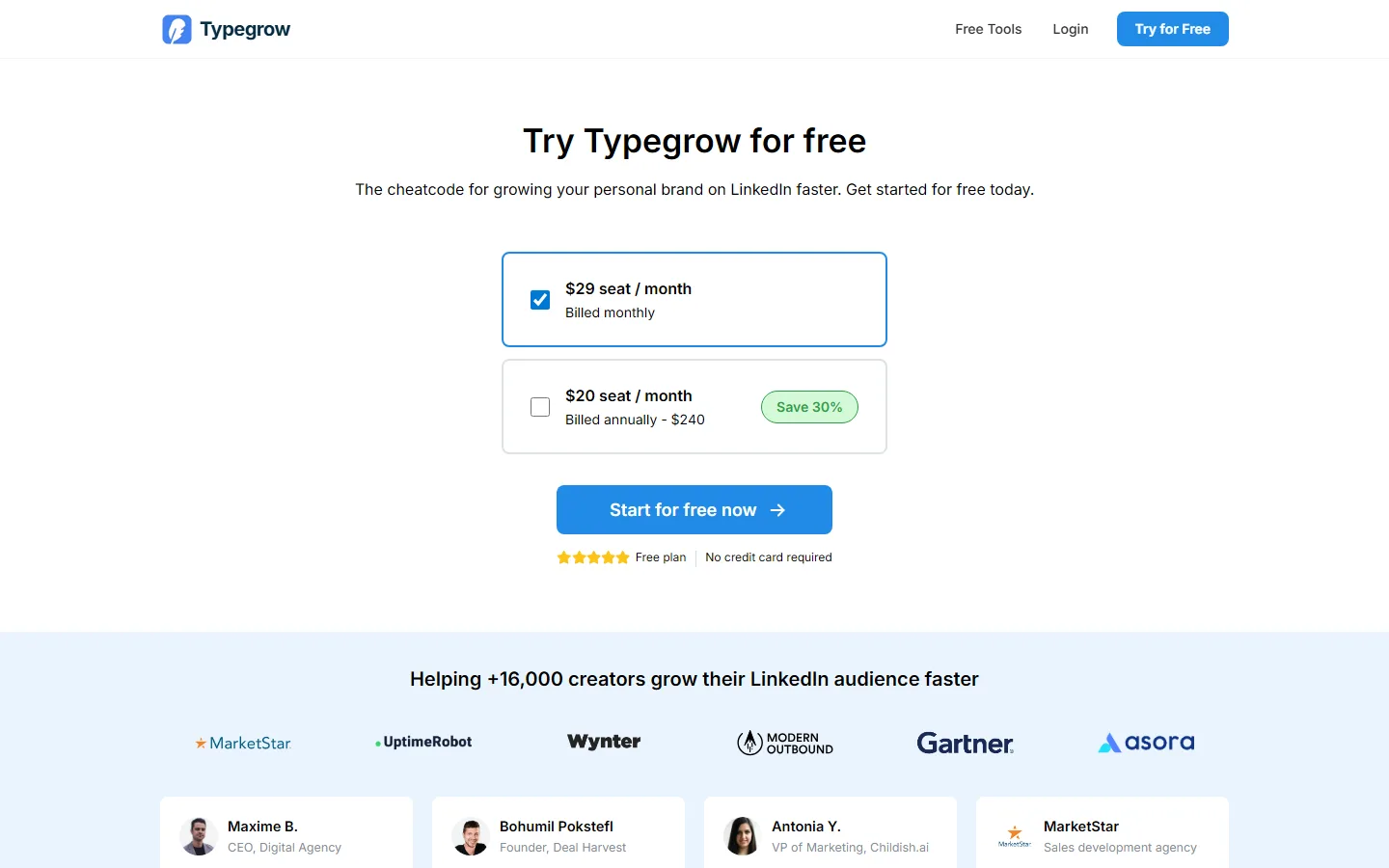
A cheap, cloud-only LinkedIn tool on the official API: AI writer, scheduler, carousel maker and a viral-post library, with first-class company-page posting.
Good
- Completely free right now, with no credit card
- Official API, no extension, no automation
- Company-page posting is first-class
- AI writer, scheduler and carousels in one place
Watch out
- A paid plan is in development, so the price will change
- No analytics found
- No independent reviews at all
Scheduling features compared
| Feature | Flypost | AuthoredUp | Taplio | Supergrow | Typegrow |
|---|---|---|---|---|---|
| Best for | Turning your own blog, videos and documents into LinkedIn posts and visuals | People who write their own posts and want them formatted, previewed and measured | Content and outbound lead generation in one subscription | People who'd rather talk than type, and teams of colleagues posting | Solo creators who want cheap writing, scheduling and carousels |
| Starting price | $49/mo | $19.95/mo | $39/mo | $39/mo | Free |
| AI writing | Yes, drafted from your own material | Coauthor (beta), trained on your past posts | Yes, from Growth ($69) upwards | Yes | Yes |
| Writes from your own material | Yes: whole blog via sitemap, YouTube channel, documents, Google Drive | No | Repurpose from a URL; no persistent knowledge base | Per item: URL, YouTube, PDF | No |
| Visuals | Carousels, infographics, memes, stat graphics, comparison images, product shots, Pulse articles | None | Carousels and AI images | Carousels (and infographics per its help centre) | Carousels |
| Scheduling | Yes | Yes, plus reminders and a best-time heatmap | Yes, with first comment, auto-reply and auto-DM boosts | Yes | Yes, up to 50 days ahead |
| How it connects to LinkedIn | Official LinkedIn sign-in through an approved partner. No browser extension. | Chrome extension in your own session. No engagement automation. | Chrome extension in your live LinkedIn session | Official LinkedIn API and sign-in. No extension. | Official LinkedIn API. No extension. |
| Analytics | Pro and Agency plans | Strong, with full history import | Yes, on every plan | Light | None found |
| Teams | Unlimited team seats on every plan | Business plan, billed per profile; managers free | Per seat from Growth ($69/seat) | Strong: per-member voice, approvals, leaderboards ($199 for 5) | Per seat |
| Lead gen / outreach | No | No | Yes on Pro: lead database, bulk DMs and connection requests | No | No |
| Free trial | 7-day Pro trial, card required | Free trial, no card | 7 days of Pro, card required | 7 days | Free, no card |
Our pick
If you already write your posts and just want to measure them, AuthoredUp is the best-value scheduler. If writing and designing the post is the hard part, a scheduler alone won't fix that: pick a tool that drafts too, like Flypost or Supergrow. And if all you need is a timer, LinkedIn's free scheduler is genuinely enough.
Frequently asked questions
Can you schedule LinkedIn posts for free?
Yes. In LinkedIn's post composer, click the clock icon next to Post, pick a date and time, and LinkedIn publishes it for you. It's free and works on personal profiles and company pages.
What's the best LinkedIn scheduling tool?
For scheduling plus AI drafting and visuals, Flypost. For scheduling plus deep analytics on a budget, AuthoredUp. For scheduling plus engagement boosts and lead generation, Taplio.
Is it safe to use a third-party LinkedIn scheduler?
Schedulers that connect through LinkedIn's official sign-in (OAuth) are the safest. Some schedulers instead run through a Chrome extension in your logged-in session; that works but relies on access LinkedIn doesn't officially grant.
Does scheduling hurt LinkedIn reach?
We've seen no evidence that LinkedIn penalises scheduled posts as such. What matters is the post itself and whether you're around to reply to early comments.